
How to Send Money to Facility
Sending money depends on which communication provider the facility uses. Here's what you can do right now, plus what to confirm before adding funds to an account.
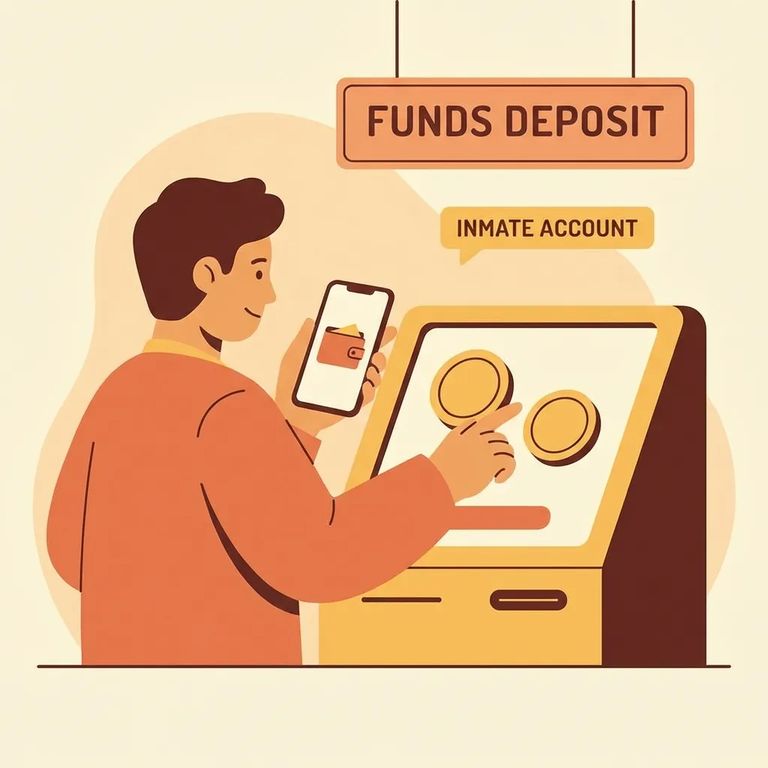
Create a Securus account before your loved one's facility switches to the new communications provider. Waiting until after the transition means you could be scrambling to add money or manage services when you need them most.
Still have money in a ViaPath balance you're not using? You can request a refund through ViaPath's help site (ConnectNetwork). This only applies to unused ViaPath balances, not new deposits made under Securus.
Note: This guidance covers creating a Securus account before the transition and where to request ViaPath balance refunds. Fees, exact deposit steps, and processing timelines aren't available here, so confirm those details with the facility or provider directly.
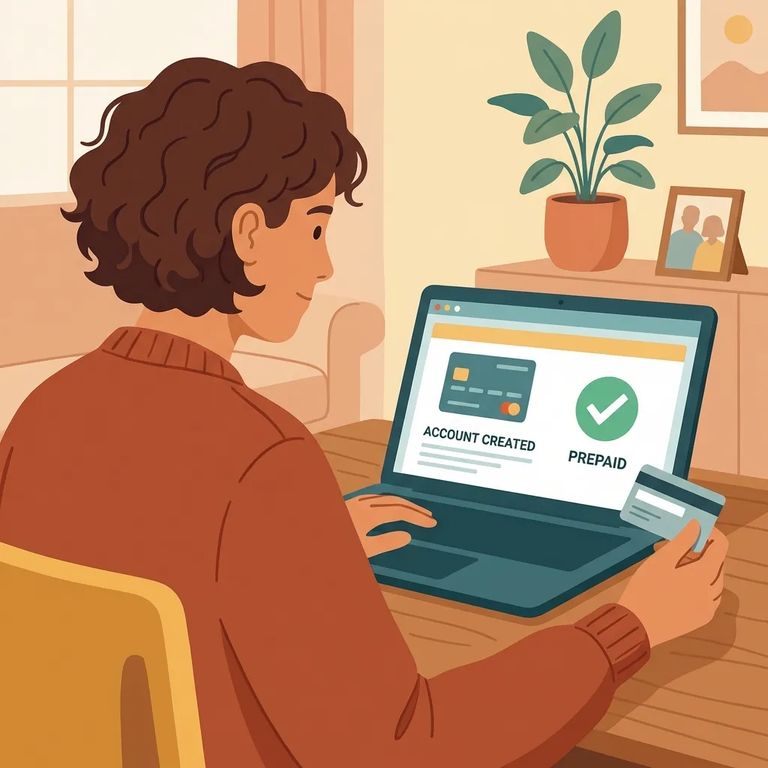
Steps-to-follow
- ✓ Create a Securus account before your loved one transitions to the new provider.
- ✓ If you have an unused ViaPath balance, request a refund through ViaPath’s (ConnectNetwork) help website.
Find out when the transition happens at your loved one's facility so you know how far in advance to set up your Securus account. While you're asking, verify whether the facility requires anything specific for account setup (like matching name details) before money can be added or used.
For ViaPath refunds, check the ConnectNetwork help site for the current refund process. Confirm what you'll need to provide, such as account information linked to the balance. Ask about expected processing time and whether the facility can help, or if it's handled only through ViaPath/ConnectNetwork support.
Reminder: Don't assume costs, deposit limits, or processing times during a provider transition. If anything is unclear, contact the facility administration, Securus support, or the ViaPath/ConnectNetwork help pages.
Find an Inmate at Vacaville Medical Facility, CA
Search for a loved one and send messages and photos in minutes.
