
How to Visit Metropolitan Detention Center (NM)
Visiting Metropolitan Detention Center (MDC) starts online. Set up your account first, and the rest of the process gets much smoother.
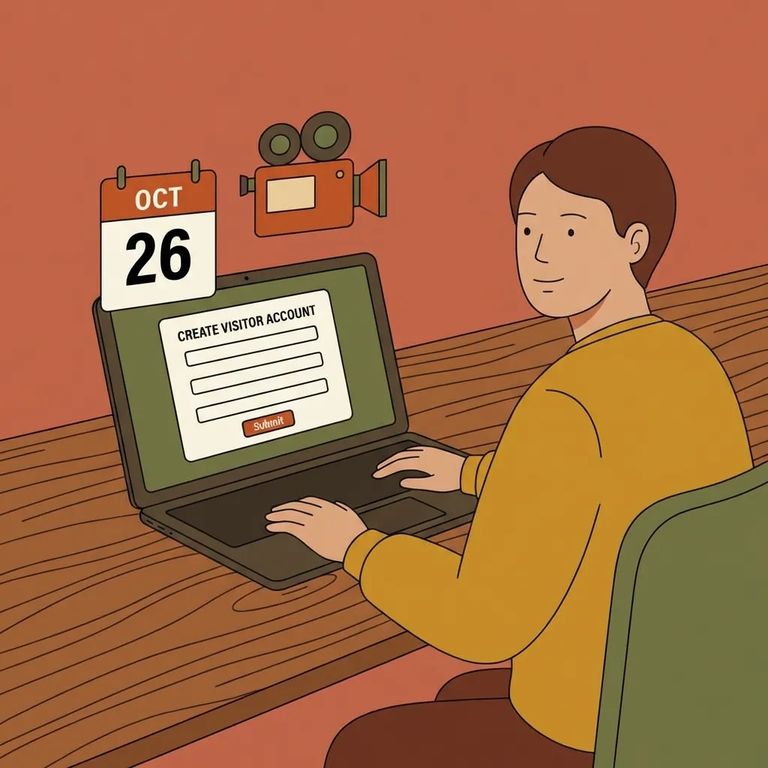
MDC uses a video visitation system, and you need an online account before you can do anything else. Without one, you won't be able to schedule a visit.
Have your basic info ready before you start: name, address, phone number, email address, and a password. It makes the signup process quick and painless.
Heads up: Once your online account is set up, you can schedule visits online during normal visitation hours. Need help? MDC's information desk is staffed daily from 8 a.m. to 8 p.m.
Steps to Follow
- ✓ Create an online account for MDC’s video visitation system.
- ✓ Enter the required details: your name, address, phone number, email address, and a password.
- ✓ After the account is created, schedule the visit online for the facility’s normal visitation hours.
- Use the information desk if you get stuck. It is staffed daily from 8 a.m. to 8 p.m., and it is the right place to confirm details or get help with the process.

Before you plan a visit, double-check that the account setup requirements haven't changed. As of now, the system requires an online account with your name, address, phone number, email address, and a password.
- ✓ Confirm you can still schedule visitation online after creating your account.
- ✓ Confirm the current “normal visitation hours” used for scheduling.
- ✓ Confirm the MDC information desk is still staffed daily from 8 a.m. to 8 p.m.
For the most current details, check MDC's official posted information. If you'd rather get a human answer, contact or stop by the information desk during staffed hours.
Find an Inmate at Metropolitan Detention Center
Search for a loved one and send messages and photos in minutes.
