
How to set up and get approved for an ICSolutions account for Miami County Jail visits
Want to schedule a video visit at Miami County Jail? Whether you're visiting on-site or remotely from home, you'll need an approved ICSolutions account first. Here's how to register, submit your ID, and avoid common approval delays.
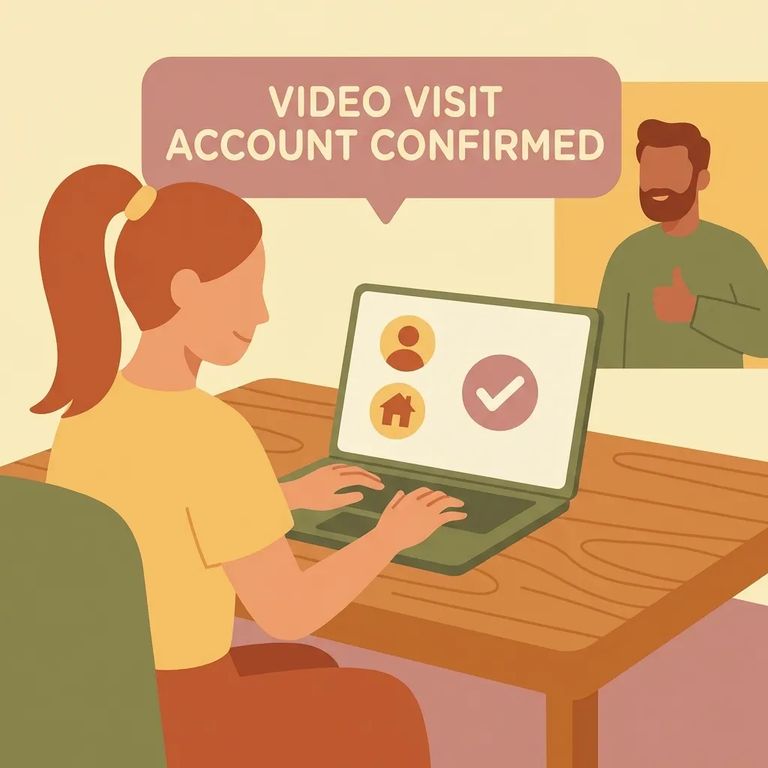
Miami County Jail uses ICSolutions for all video visitation. You can visit on-site at the facility or off-site from your own device using the free ICS Mobile app, a computer, or tablet. Either way, start by setting up an ICSolutions account and getting approved - you won't be able to schedule any video visit until that's done.
Note: All video visits are recorded and subject to monitoring. You’re not allowed to record or duplicate a visit, whether you’re visiting on-site or off-site.
- Open ICSolutions on the web or in the ICS Mobile app - You can register either way.
- Choose “Register For Visitation” - This is the option for setting up a visitation account.
- Create your login details - Set up your username, PIN, and password.
- Submit your registration - Your account must be approved before you can schedule a Miami County Jail video visit (on-site or off-site).
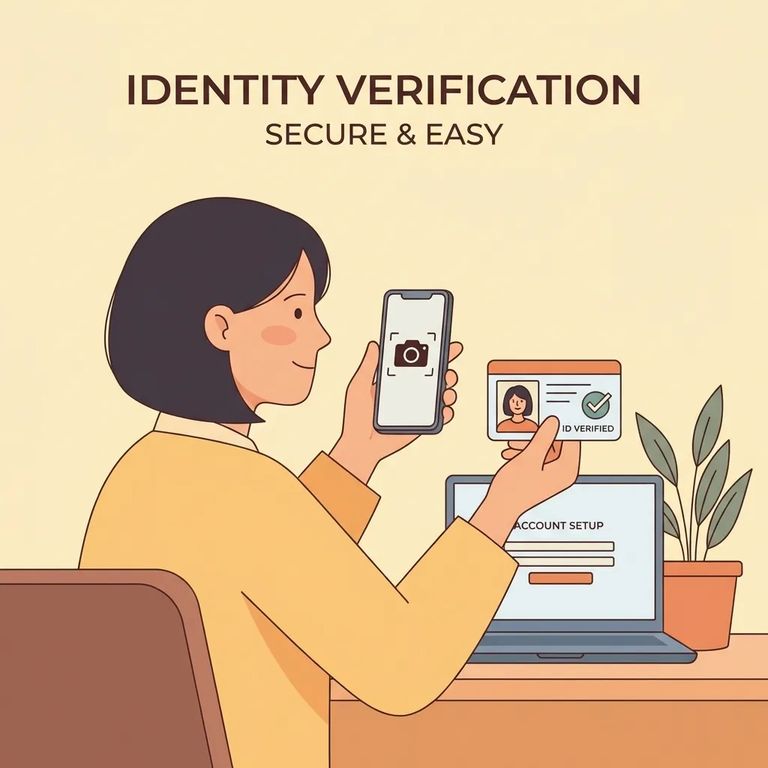
You'll need a valid government-issued photo ID to complete registration. Have it ready before you start so you don't get stuck halfway through.
Heads-up: Off-site (remote) video visits may have fees set by ICSolutions. Check the pricing and cancellation rules before you confirm.
Your registration needs a valid government-issued photo ID. An expired or unclear ID can stall your approval, so use a current one with a clear photo.
You may be asked to identify your relationship to the person you want to visit. If you claim a "privileged" relationship (like attorney-client), the facility's Site Administrator must approve your registration before you can schedule non-recorded sessions.
Account reviews happen during normal business hours. If you need to schedule quickly, register early and build in extra time - especially if you're signing up on a weekend or evening.
Having trouble with registration or scheduling? ICSolutions Visitation Support is your best starting point. Reach them toll-free at 888-646-9437 or email customer@ICSolutions.com.
Contact ICSolutions Visitation Support for account setup, approval issues, or scheduling problems. Once your account is working, you'll book visits through ICSolutions directly - either on the web or the ICS Mobile app.
Checklist
- ✓ Your ICSolutions account is set up and approved (required before you can schedule any visit)
- ✓ A valid government-issued photo ID is included with your registration
- ✓ Your relationship details are entered (and “privileged” relationship approval is completed, if you’re requesting privileged, non-recorded sessions)
- ✓ You’ve decided whether you’re visiting on-site at the facility or off-site using the ICS Mobile app, a computer, or a tablet
Before you pick a time: Video visitation hours are Monday–Sunday, 8:00 AM to 8:30 PM. On-site visits at 2042 N CR 25A, Troy, Ohio are free - arrive about 10 minutes early since late arrivals don't extend your appointment. You're limited to four visitors (including children) and one 30-minute on-site visit per week. Off-site visits may have ICSolutions fees, and you must cancel at least 24 hours ahead to avoid charges.
Find an Inmate at Miami County Jail
Search for a loved one and send messages and photos in minutes.
