
Why Your Mail Goes to Las Vegas (and What Happens Next): Scanning, Delivery Times, and Originals for Mid‑State
Sending letters or photos to someone at Mid‑State? You might be surprised to see a Las Vegas address involved. That's because non‑privileged mail gets routed through Pigeonly's processing center, where it's scanned, printed, and forwarded to NJDOC.
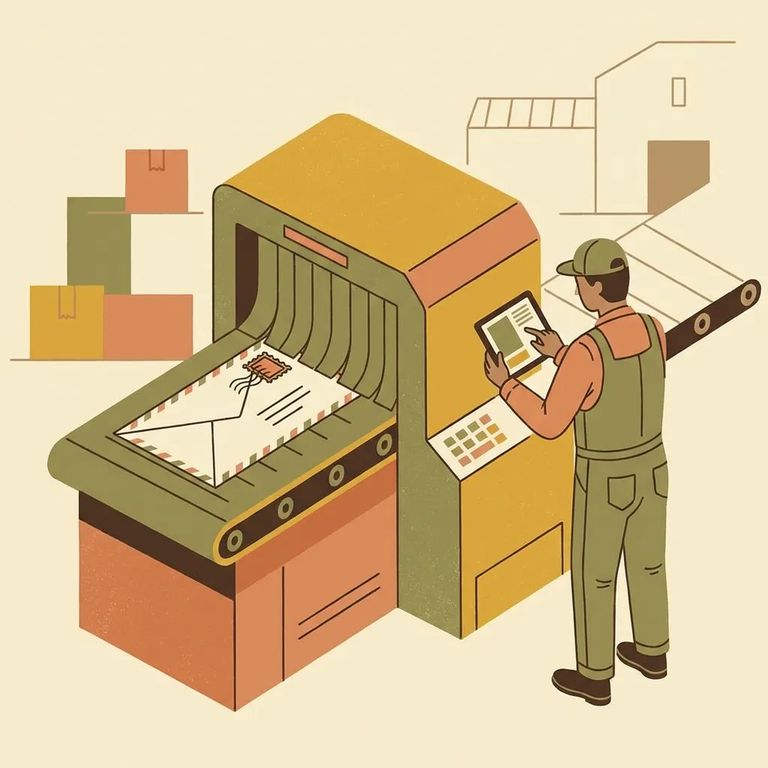
The Las Vegas stop is standard for non‑privileged mail going to Mid‑State. Once Pigeonly receives your letter at their Las Vegas address, they open and scan it within 24 hours. That scan kicks off the rest of the delivery chain.
After scanning, Pigeonly prints your mail and ships it to NJDOC via Priority Mail. Facilities typically receive the shipment within 1–3 days.
- Mail is received at the processing address - this is the point where it enters Pigeonly’s workflow.
- Scan happens within 24 hours - non‑privileged incoming mail is opened and scanned within 24 hours of receipt.
- The scanned copy is shared for screening - the electronic scan is provided to the facility for further review.
- Mail is printed - Pigeonly prints the scanned pages.
- Printed mail ships to NJDOC (Priority Mail) - the printed piece is sent out via Priority Mail.
- NJDOC receives the shipment - facilities generally receive it within 1–3 days of shipment.
Your paper original doesn't stay in the system forever. Pigeonly holds original copies at the processing facility for 45 days, then destroys them.
Why this matters: Sending something irreplaceable - like a one‑of‑a‑kind photo or keepsake? Plan ahead. Originals are only kept for 45 days before they're destroyed.
Request Return
- ✓ Email Support@pigeon.ly within 45 days of when the original is held at the processing facility.
- ✓ Request return to the original sender - returns go back to the original sender listed on the envelope.
Reminder: Your request needs to be made within the 45‑day holding period. After that window, the original mail is destroyed.
After release, your loved one can still access their scanned mail. They just need to email support@pigeon.ly with their name and SBI to download everything for free.
- Email support@pigeon.ly - send a message after release.
- Include your name and SBI - this is required to locate the scanned mail.
- Request your download - scanned mail items are provided for free.
Find an Inmate at Mid-State Corr. Faciltity, NJ
Search for a loved one and send messages and photos in minutes.
