
How to Send Money or Commissary Items to an Inmate at Montgomery County Jail
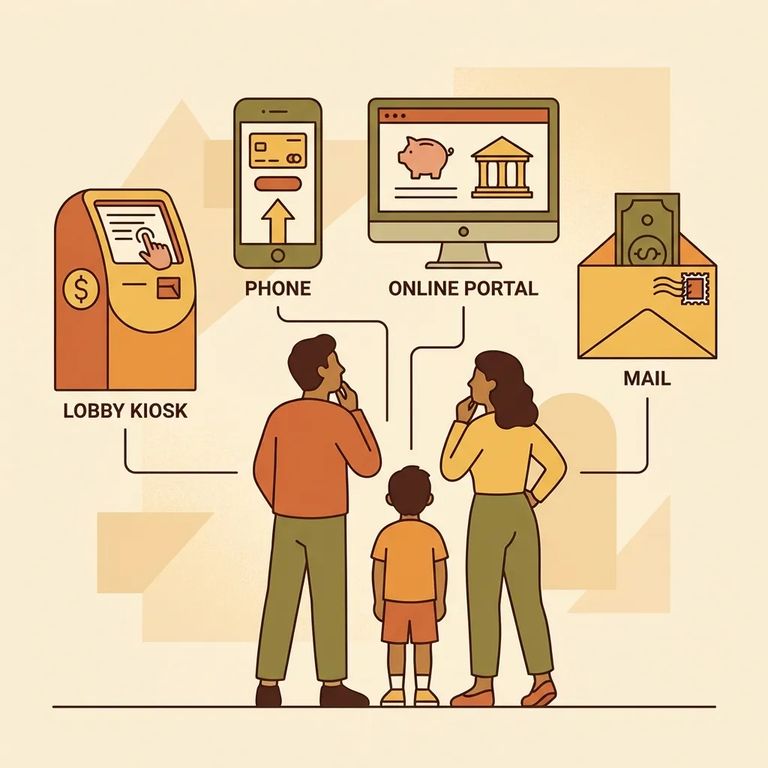
Want to help someone at Montgomery County Jail? You have a few options. To add money to an inmate's account, use the lobby kiosk, call by phone, or go online. If you'd rather send actual commissary items instead of cash, Securepak ordering is available - check the Jail Division Q&A for instructions on commissary deposits and Securepak orders.

For money deposits, you can use three channels: the lobby kiosk, telephone, or the Internet. The exact screens, accepted payment types, and any fees depend on the payment vendor - follow the instructions on their pages or the kiosk prompts step by step. Before you deposit anything, double-check that you have the inmate's name and ID correct. A small typo can cause delays, and it's much easier to fix before you hit submit.
- ✓ Confirm the inmate’s full name as the jail has it listed
- ✓ Have the inmate’s booking number or inmate ID ready (if you have it)
- ✓ Choose your deposit method: lobby kiosk, telephone, or Internet
- ✓ Have your payment method ready before you begin
- ✓ Save your receipt or confirmation/transaction number after you pay
Want to send commissary items instead? Montgomery County Jail offers Securepak ordering through Keefe Access Securepak. That's where you'll find available items, ordering rules, and customer support. The catalog and rules can change, so check the Securepak materials and the Jail Division Q&A when you're ready to order.
Note: Securepak is vendor-managed. The jail lists it as an option, but you'll need to visit the vendor's pages to see what items are available, how ordering works, and any fees or delivery timing.
- Confirm the inmate’s details - Use the inmate’s full name and, if available, their booking number/inmate ID so your deposit or order is credited correctly.
- Decide what you’re sending - Choose between adding money to the inmate’s account (kiosk/telephone/Internet) or sending commissary items through Securepak.
- Use the correct channel and follow the prompts - For deposits, use the lobby kiosk, telephone option, or Internet option listed by the jail. For items, place a Securepak order using the vendor’s instructions.
- Save your confirmation - Keep the receipt, confirmation email, or transaction number so you can track or troubleshoot if something doesn’t post as expected.
- Use the Jail Division Q&A if you get stuck - The jail directs families there for instructions on commissary deposits and Securepak orders; vendor support can also help with order or payment issues.
Before you pay: The jail lists deposit methods (lobby kiosk, telephone, Internet) and Securepak for commissary items, but doesn't include fees, processing times, or step-by-step instructions. Check those details on the vendor pages and the Jail Division Q&A before you submit anything.
Find an Inmate at Montgomery County Jail, Conroe, Texas
Search for a loved one and send messages and photos in minutes.
