
How to Schedule a Free Video Visit Using Microsoft Teams (New Haven Correction Center)
Can't make it to the facility in person? New Haven Correction Center offers free video visits through Microsoft Teams. Here's what you need and what to watch for so your request actually gets confirmed.
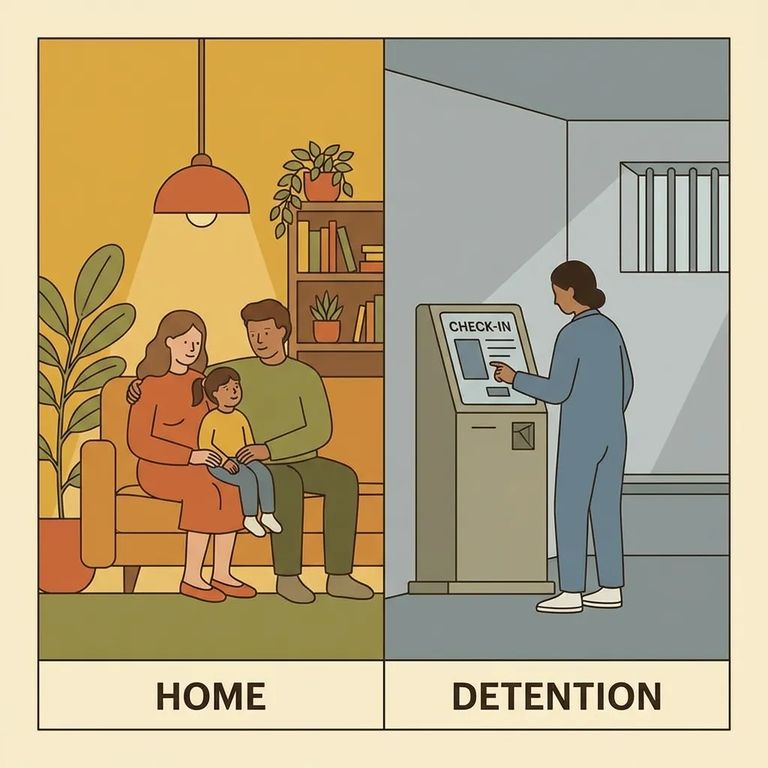
Video visits at New Haven Correction Center are completely free - one less thing to worry about. Just know there's a limit: up to three authorized adult visitors can join, and each one must be listed on your Visit Request Form.
You'll need a device that runs Microsoft Teams - smartphone, laptop, or tablet all work. Make sure your camera and microphone are functioning before visit day. Test them ahead of time so you're not troubleshooting when you should be connecting.
- ✓ A valid email address (required to schedule a video visit)
Submitting a request doesn't mean you're on the schedule. Your video visit isn't confirmed until you hear back from the facility. Wait for that confirmation before rearranging work, childcare, or anything else.
Do not record: Recording a video visit on any personal device is prohibited.

Practical-tips
- ✓ Use a smartphone, laptop, or tablet that can access Microsoft Teams and has working video and audio
- ✓ Make sure you have a valid email address before you try to schedule
- ✓ Treat the visit as “pending” until you receive confirmation from the facility
Find an Inmate at New Haven Correction Center
Search for a loved one and send messages and photos in minutes.
