
Video Visits at New Haven CC: How to Avoid Losing Your Slot
Video visits at New Haven CC work fine once you know the pressure points: you have to pre-schedule, you need the facility's confirmation, and if you don't connect within five minutes of your scheduled time, you lose the slot. The steps and checklists below will help you avoid the common pitfalls.
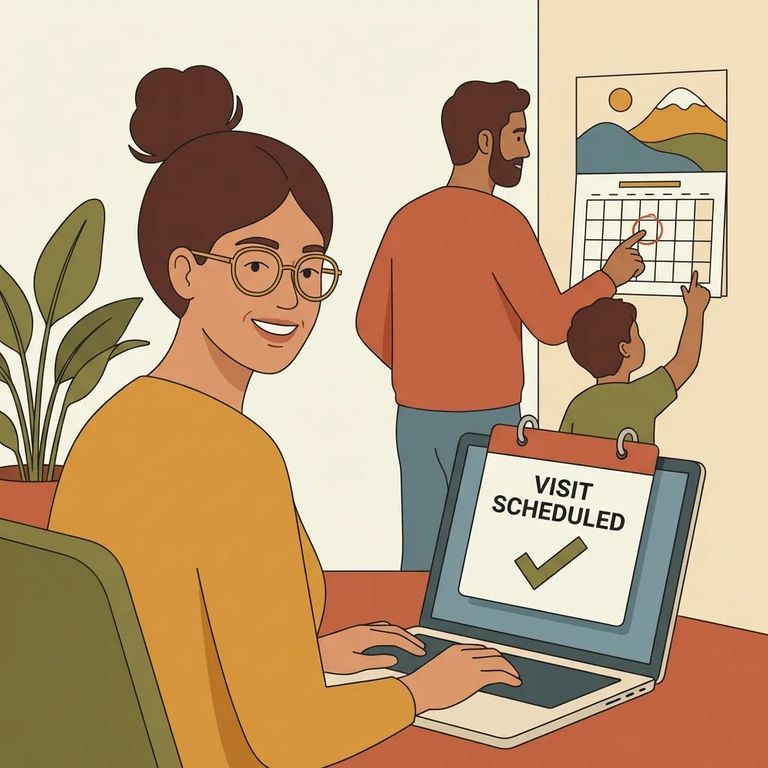
Video visits at New Haven CC aren't drop-in. You have to pre-schedule by completing a Visit Request Form. Skip the form (or leave it incomplete), and you're not actually in line for a time slot.
You'll need a working email address before you request anything. New Haven CC requires one to schedule video visits, and it's how you'll receive confirmations and updates.
A few basics can stop a visit before it starts. You're limited to one video visit per week, and you must already be on the inmate's approved, active visiting list. Even after you submit your request, treat it as pending until the facility confirms.
Confirmation is what separates "requested" from "scheduled." Your visit isn't locked in until you hear back from the facility - don't assume you're good just because you sent the form or picked a date.
Note: Check your junk/spam folder for the facility’s confirmation email. Since a valid email address is required to schedule, missed messages can mean missed visits.
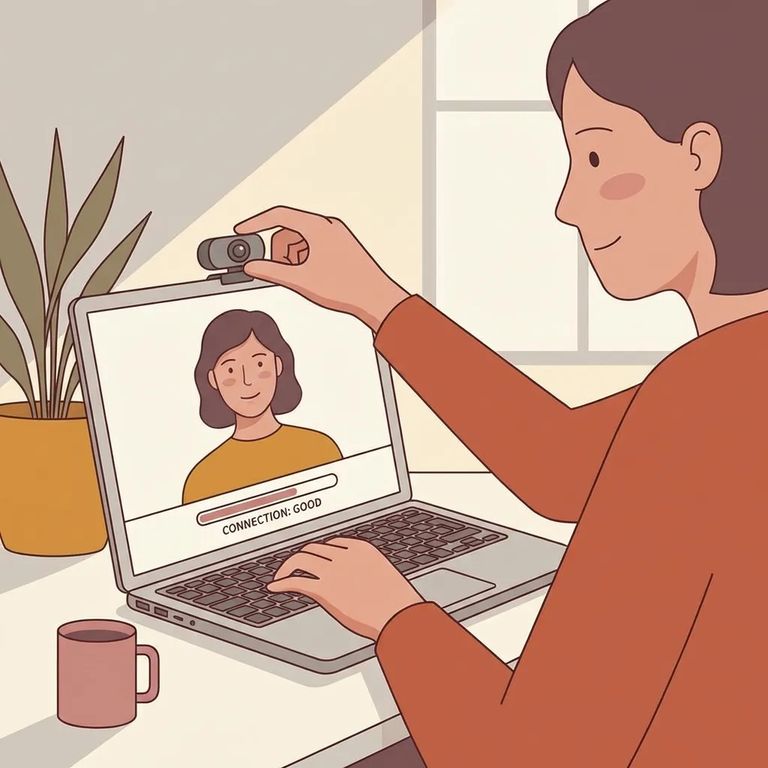
New Haven CC runs video visits through Microsoft Teams. You'll need a smartphone, laptop, or tablet with a working camera and microphone. If Teams won't open - or your audio and video aren't functioning - you can burn precious minutes once your scheduled time hits.
Tip: Before visit day, open Microsoft Teams and confirm you’re signed into the account you plan to use. Being logged into the wrong account can slow you down when every minute counts.
- ✓ Install Microsoft Teams (or update it) on the device you’ll use
- ✓ Test your camera and microphone inside Teams
- ✓ Use a stable internet connection (avoid weak Wi‑Fi if you can)
- ✓ Fully charge your device (or keep it plugged in)

Here's the rule that trips people up: at New Haven CC, a video visit is forfeited if it doesn't begin within five minutes of the scheduled time. Tech issues, last-second logins, scrambling for passwords - any of these can cost you the entire visit, not just a few minutes.
- Open Microsoft Teams early - give yourself a buffer so you’re not starting from zero at the scheduled time.
- Confirm audio and video are working - check that your mic isn’t muted and your camera is on.
- Restart quickly if something glitches - close and reopen Teams (or restart your device) right away instead of troubleshooting slowly.
- Have a backup device ready - if your phone freezes, switching to a laptop or tablet can save your slot.
Note: The fastest fixes are usually simple: use the most reliable internet available, double-check mute/unmute and camera settings, and make sure you’re signed into the correct Microsoft Teams account.
Figure out who's joining the call ahead of time. Up to three authorized adult visitors can participate, and each adult must be included on the video request. Minors living in the household don't count toward that three-adult limit.
Assume the visit is monitored like any other jail visit. Staff record video calls, and you're not allowed to record on your own phone, computer, or other personal device.
One piece of good news: video visits are free.
- ✓ Assuming you’re scheduled without a confirmation - the visit isn’t scheduled until the facility confirms it
- ✓ Missing the confirmation email - use a valid email address and check your junk/spam folder
- ✓ Opening Teams at the last second - late starts can trigger the five-minute forfeiture rule
- ✓ Getting stuck in the wrong Microsoft Teams account - sign out/sign in ahead of time and verify you can access Teams on your device
Quick Summary
- ✓ Complete the Visit Request Form (video visits must be pre-scheduled)
- ✓ Use a valid email address and watch for the facility’s confirmation
- ✓ Set up Microsoft Teams on a smartphone, laptop, or tablet with working video/audio
- ✓ Join early so the visit can begin within five minutes of the scheduled time
- ✓ Keep the participant limit in mind: up to three authorized adults (household minors don’t count)
- ✓ Remember: video visits are free of charge
Find an Inmate at New Haven Correction Center
Search for a loved one and send messages and photos in minutes.
