
What You Need to Know Before Your First Offsite Video Visit to Ottawa County
Offsite video visits are convenient, but the setup matters. Connection problems can cost you a visit. Use the checklist below to get your ICSolutions account and device ready before you schedule.
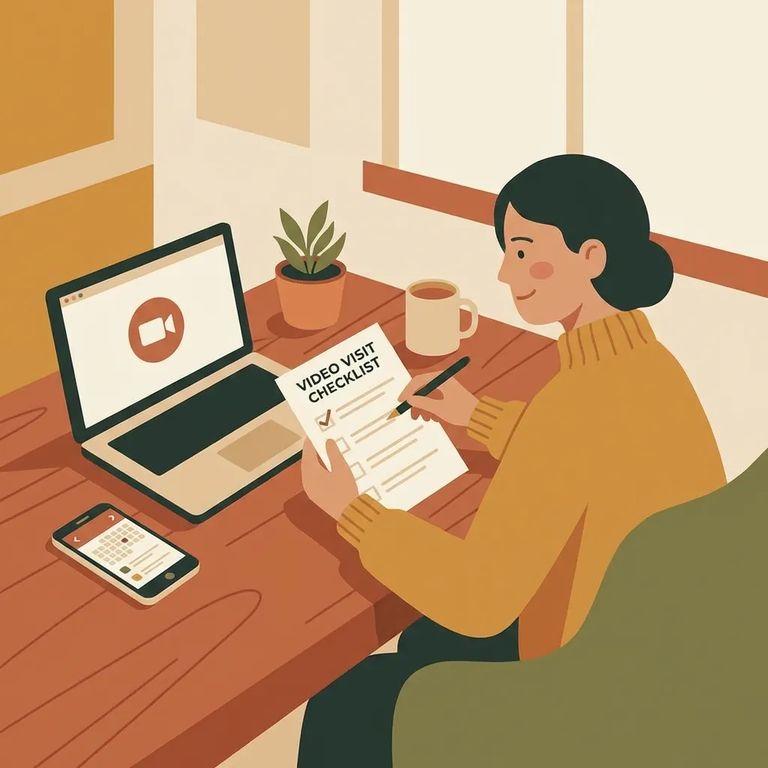
First things first: create your ICSolutions account. Registration is free, and Ottawa County requires it for video visits. You'll use this same account to schedule your visit, add funds if needed, and connect to the session. Set it up a day or two early - not five minutes before your appointment.
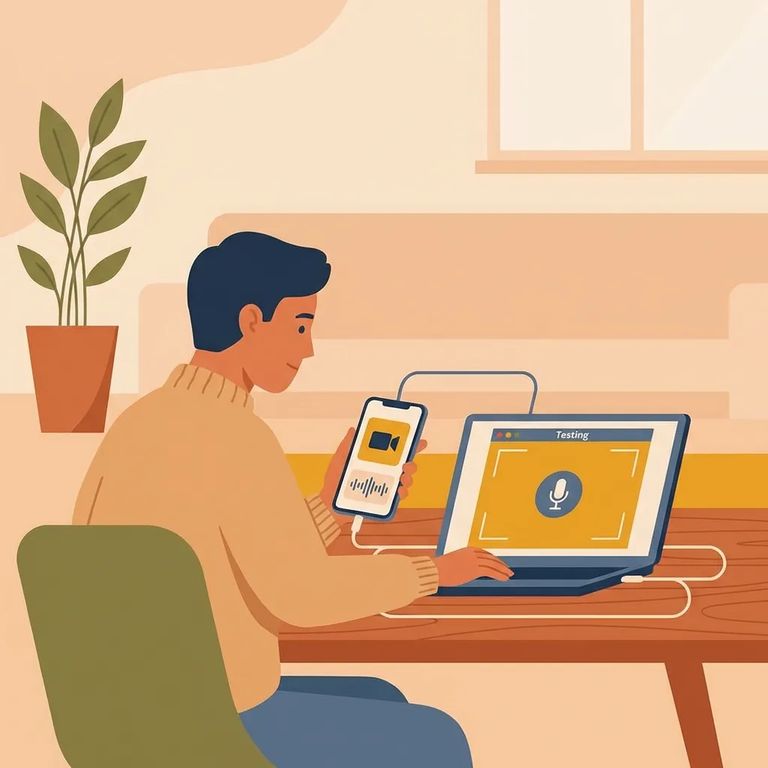
Ottawa County requires you to download and test the visitation app before scheduling. On iPhone or iPad, search "ICSolutions" in the Apple App Store and grab the free "ICS Mobile" app. Windows and Android have their own versions. The goal: confirm the app runs, your camera and microphone work, and you know how to join a session before money and time are on the line.
- Pick the exact device you’ll use for the visit - a Windows computer, Android phone/tablet, or an iPhone/iPad.
- Install the correct visitation app - on iOS, install “ICS Mobile” by searching “ICSolutions” in the Apple App Store.
- Sign in and run the required test - Ottawa County requires you to download and test the application before you’ll be able to schedule offsite visitation.
- Confirm audio and video work end-to-end - make sure your camera shows a clear picture and your microphone/audio are working the way you’ll need them to during the visit.
- Do a final check right before booking - if anything is glitchy, fix it now (updates, permissions, device restart) so you’re not troubleshooting on the clock.
Note: Do your test using the same internet connection you plan to use for the visit. A setup that works on one network doesn’t always behave the same way on another.
Connectivity Checklist
- ✓ Fully charge your phone/tablet or keep your computer plugged in for the entire session.
- ✓ Confirm camera and microphone permissions are enabled for the visitation app.
- ✓ Use a stable connection (strong Wi‑Fi or a reliable wired connection on a computer, if that’s your setup).
- ✓ Close streaming apps, downloads, video meetings, and anything else that eats bandwidth.
- ✓ Test the visitation application from the same network you’ll use during the visit.
- ✓ If you prefer a computer, you can use the ICSolutions website to register, add funds, schedule, and connect to an offsite visit.
Offsite video visitation at Ottawa County costs money, and prices vary by facility. Here's the bigger thing to plan around: if your internet drops or the connection fails on your end, you won't get a refund. That's why testing your device and network matters. Schedule your visit for a time when you're not competing with a house full of streaming, gaming, or work calls.
- Try reconnecting immediately - close the session and rejoin from the app as quickly as you can.
- Restart the app (then the device) - a full restart clears a lot of audio/video glitches.
- Fix your network in real time - move closer to your router, switch to a stronger connection if you have one available, or use a more stable setup on your Windows computer if that’s an option.
- Keep a simple record - write down the date/time of the visit, what happened (no audio, frozen video, disconnects), and what you tried so you can describe it clearly if you contact support later.
Note: Because internet connectivity issues during offsite visits aren’t refunded, save any details you can (timestamps, screenshots, error messages) before you reach out for help.
Find an Inmate at Ottawa County Detention Facility, OH
Search for a loved one and send messages and photos in minutes.
