
How to Contact an Inmate at Pam Lychner State Jail (TX)
Contacting someone at Pam Lychner State Jail usually comes down to three options: in-person visits, video visits, and phone calls. Each one runs through a different system, so having the right ID numbers ready makes everything smoother.
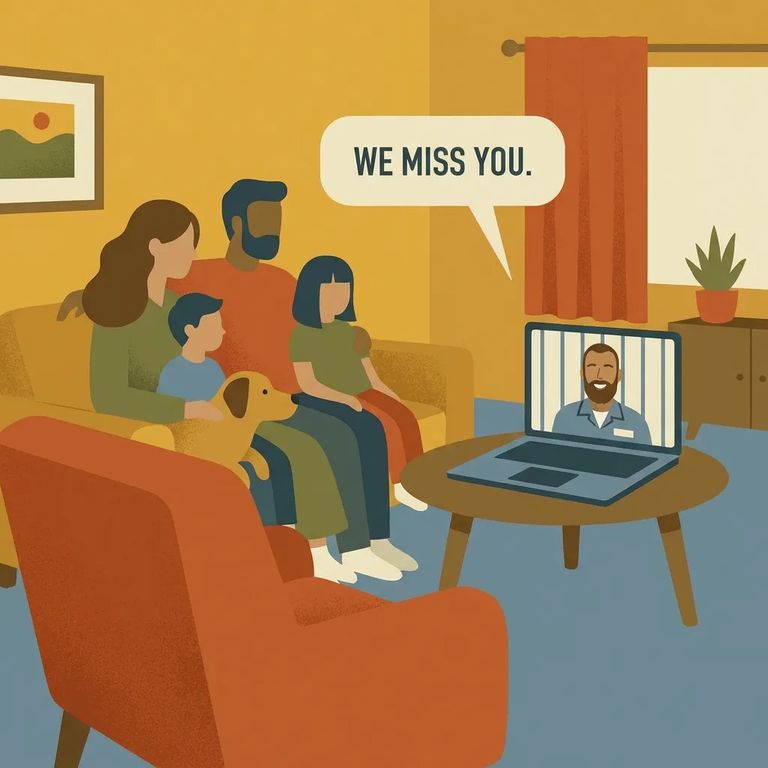
When scheduling a visit through TDCJ, pay close attention to the visit type you select. The TDCJ online visitation scheduler includes a "Video/Tablet" option, and TDCJ treats that as separate from the Securus Video program. You may hear different names for "video visits," but they are not always the same service or process.
You'll need an account in the TDCJ Online Visitation Scheduler before you can book any visits. If this is your first time, set that up early. You don't want to be creating an account at the last minute when you're ready to reserve a slot.
To add your loved one to your visitation profile, you'll search using their TDCJ number or SID number. It must be 8 digits long. If you're missing a digit or using the wrong format, the system won't find a match.
Bring your ID: You need photo identification that TDCJ lists as acceptable. Show up without the right ID and you can be turned away.
Phone calls work differently than visits. Before you can receive calls from someone at Pam Lychner, you have to register your phone number at texasprisonphone.com. Have the inmate's TDCJ ID number handy, because you'll need it to complete registration.
TDCJ also offers remote video visits (kiosk-based) that you schedule through the vendor's website. These are allowed once per month for up to 60 minutes, and they count as separate from any eligible contact or general visits.

Steps to Follow
- ✓ Create your account in the TDCJ Online Visitation Scheduler before trying to book any visit.
- ✓ Add the inmate to your visitation profile by searching their 8-digit TDCJ number or 8-digit SID number.
- ✓ When scheduling, pick the visit type you actually want (including “Video/Tablet” if offered). Remember this is not the same as the Securus Video program.
- ✓ Register your phone number at texasprisonphone.com if you want to receive phone calls from a TDCJ inmate.
- ✓ Use the inmate’s TDCJ ID number when registering your phone number for calls.
- ✓ Bring acceptable TDCJ-listed photo ID when you attend an in-person or on-site visit.
- ✓ If you are scheduling a remote video visit, follow the vendor’s scheduling process. Remote video visits may be allowed once per month for up to 60 minutes.
Before you lock in plans, make sure you're using the right system for the type of contact you want. The TDCJ scheduler's "Video/Tablet" option is its own visit type, not the same as the Securus Video program. For phone calls, double-check the current registration process at texasprisonphone.com. And if you're planning a remote video visit, confirm the vendor's current scheduling rules and the once-per-month, up-to-60-minute limit.
- Confirm the inmate’s number (TDCJ or SID) before you search. It must be 8 digits, and one wrong digit can stop you from adding them to your visitation profile.
- Confirm your photo ID is acceptable under TDCJ rules. Bring the correct ID with you, because you may be denied entry without it.
- Match the TDCJ ID number to the right person when registering for phone calls. The registration process to receive calls depends on the inmate’s TDCJ ID number.
Find an Inmate at Pam Lychner State Jail
Search for a loved one and send messages and photos in minutes.
