
Before You Use Parker County's Online Portal: Browser and Cookie Checklist
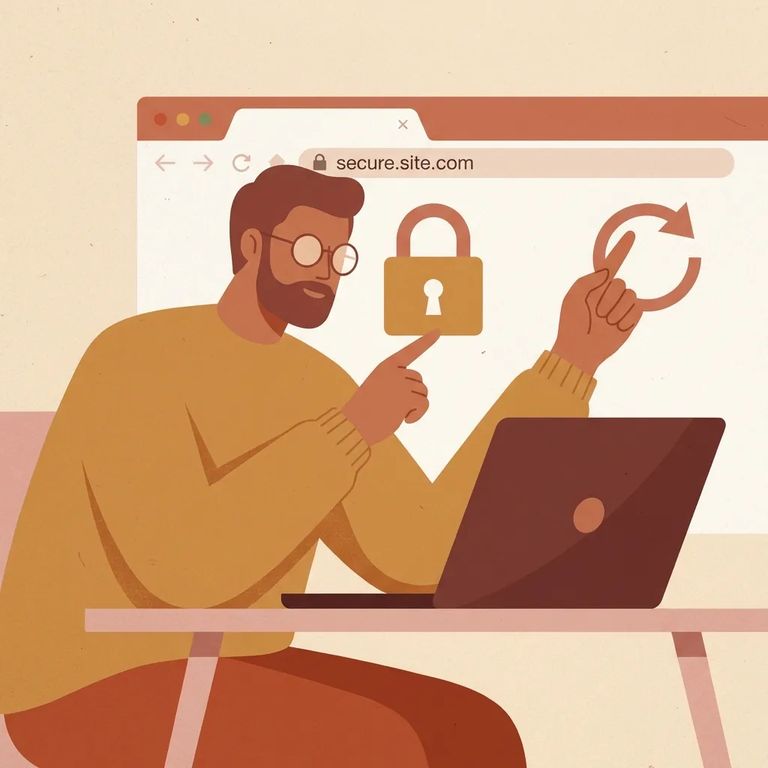
Can't get Parker County's Tyler Technologies portal to load? Two things cause most of the trouble: blocked cookies and outdated browsers. You'll know cookies are the problem if you see a message like
Note: The portal won’t work if your browser blocks cookies - cookies must be enabled before you can use the application.
Check your cookies first. If your browser or a privacy extension is blocking them, the portal won't let you in. Search your browser's help for
- ✓ Confirm your browser is set to allow cookies (check your browser’s help for the exact steps)
- ✓ Temporarily disable ad/privacy extensions that can block cookies, then retry
- ✓ Use a private/incognito window as a quick test (settings and extensions behave differently there)
Next, check your browser. The portal supports the current and previous major releases of Google Chrome, Firefox, Internet Explorer, and Safari. Running an older version? Updating - or switching to a different supported browser - is usually the fastest fix.
Browser support is rolling. When a new major version drops, the portal starts supporting it and stops supporting the third-oldest version. That's why a browser that worked fine a few months ago can suddenly trigger a warning. For example, after Internet Explorer 11 launched, support for Internet Explorer 9 was discontinued.
- ✓ Check which browser you’re using and what major version it’s on
- ✓ Update your browser to the latest release
- ✓ If updating isn’t possible, install and try a supported browser that’s on a current or previous major release
Still seeing a "browser no longer supports" message? It's a compatibility issue, not a problem with your account or the portal itself. Update your current browser or try a different supported one.
- Confirm your browser name and major version - the portal only supports the current and previous major releases of certain browsers.
- Update your browser - install the newest version available on your device.
- Try a different supported browser - switching browsers can bypass a version-related block.
- Clear cookies/cache and retry - old cookie data can keep triggering the same error until it’s cleared.
If the portal still won't load after enabling cookies and switching to an up-to-date browser, you might be hitting a temporary site issue - or something on your device or network is still blocking cookies. Try again later, and check the Parker County Sheriff's site for alternative ways to find inmate information or get in touch.
Note: The portal doesn't list a direct support contact, so this checklist focuses on fixes you can handle yourself.
Find an Inmate at Parker County Jail
Search for a loved one and send messages and photos in minutes.
