
Forgot Your GTL Visitation Password? A Simple Recovery Guide for Pelican Bay Visitors
Can't log in? That means you can't schedule or manage your Pelican Bay visit through the GTL/ViaPath portal. The fix is simple: look for the "Forgot your password?" link on the login page.
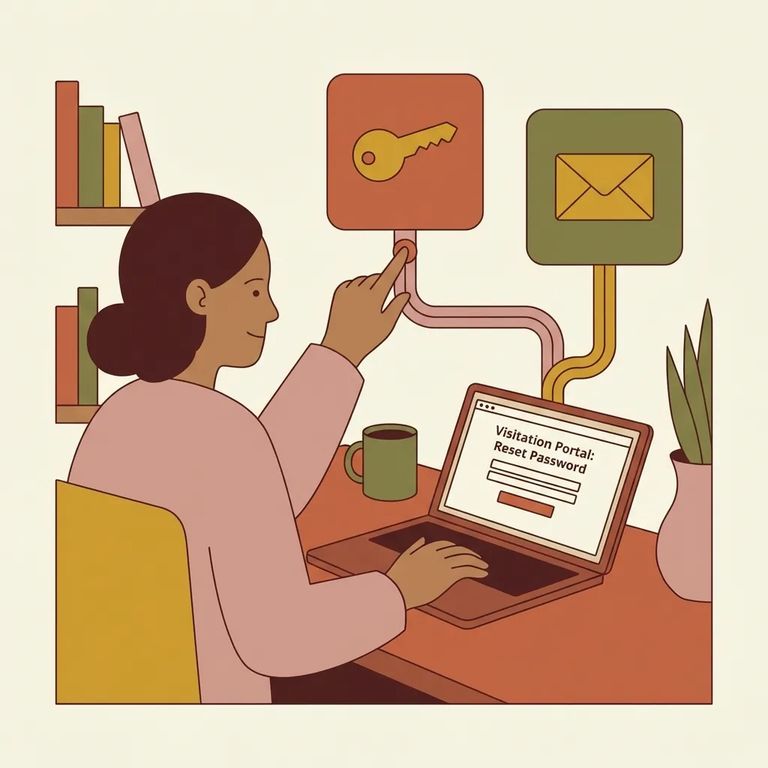
The GTL/ViaPath visitation site is where you schedule and manage visits with someone at Pelican Bay. Once signed in, you can pick your date, time, and location - and get instant confirmation. If you're a returning visitor and your password isn't working, head to the Log On page. Look for the "Forgot your password?" link in the returning user section. Click that to start account recovery. No need to guess at old passwords or create workarounds.
- Go to the GTL/ViaPath visitation Log On page - This is the same sign-in page you use to schedule and manage visits.
- Click “Forgot your password?” - Use the link on the login page to start the recovery process.
- Complete the on-screen recovery prompts - Follow the instructions provided in the portal until you’re able to set a working password.
- Sign back in and manage your visit - Once you’re in, you can schedule and manage your upcoming Pelican Bay visits from your account.
If Link Fails
- ✓ Go back to the Log On page and try the “Forgot your password?” link again.
- ✓ Double-check you’re using the returning user sign-in area (the one that asks for “Visitor ID or Email” and “Password”).
- ✓ Use the “FAQ” option on the login page for common login and access questions.
- ✓ Use the “Contact” option on the login page if you need help from the portal’s support side.
- ✓ If the page seems to stall, retry after a short wait (some pages may briefly show a “This will only take a few seconds...” loading message).
Got a visit coming up and still locked out? Focus on recovering your existing account through the portal - you need to be signed in to schedule, manage, or confirm visits. If recovery isn't working and time is running out, the login page has a "CLAIM ACCOUNT" option for new users. Only use this if you genuinely need a new account. Otherwise, stick with "Forgot your password?" so you're not juggling multiple logins right before your visit. One more thing: if the Pelican Bay facility page hangs on "This will only take a few seconds..." don't panic. Your account access and scheduling still happen through the main GTL/ViaPath portal.
Find an Inmate at Pelican Bay (PBSP)
Search for a loved one and send messages and photos in minutes.
