
How to Set Up Your Visitor Account for Pickaway Correctional Institution
Before you can schedule a visit at Pickaway Correctional Institution, you'll need to set up your visitor account on the Ohio DRC/GTL visitation portal. Once that's done, you can sign in to schedule and manage visits online.
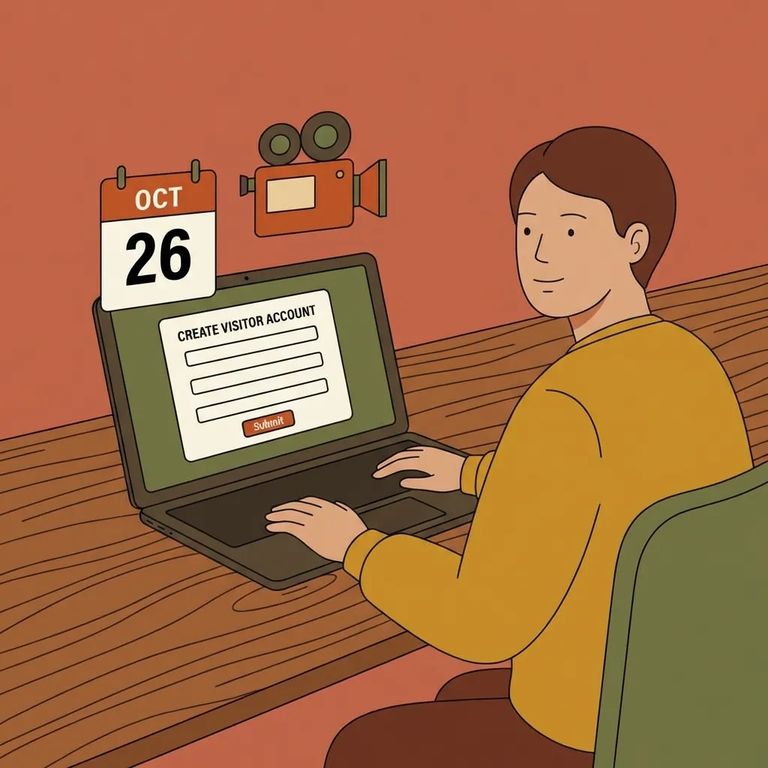
Setting up your visitor account ahead of time makes everything easier. The portal is where you'll schedule and manage visits with your incarcerated loved one at Pickaway. You pick the date, time, and location that work for you - and the system confirms your visit instantly. No waiting to find out if it went through. If you're new, head to the Ohio DRC/GTL visitation portal and click "REGISTER TODAY" to create your account.
Head to the Ohio DRC/GTL visitation portal login page and look for "REGISTER TODAY." That's where new users create their visitor account.
Tip: The Ohio DRC/GTL visitation site includes a “How to Setup a Visitor Account” video. If this is your first time, watching the walkthrough can help you move through the registration screens with fewer surprises.
Complete Registration
- ✓ Open the Ohio DRC/GTL visitation portal and select “REGISTER TODAY” to start a new account.
- ✓ Follow the on-screen prompts to create your visitor profile.
- ✓ Submit the registration through the portal when you’ve completed the required fields.
- ✓ Keep track of the login details you choose so you can sign in later to schedule and manage visits.
After you’ve registered, go back to the portal and sign in as a returning user. The login form asks for your “Visitor ID or Email” and your “Password.” If you can’t remember your password, use the “Forgot your password?” link on that same screen to start the reset process.
- Use “Forgot your password?” - It’s on the sign-in screen and is the quickest way to recover access if you’re locked out.
- Double-check what you’re entering - The portal expects “Visitor ID or Email” plus your password, so make sure you’re using the right identifier.
- Watch the setup video - If you’re getting stuck during account creation, the “How to Setup a Visitor Account” video on the portal can walk you through the same steps you’re seeing.
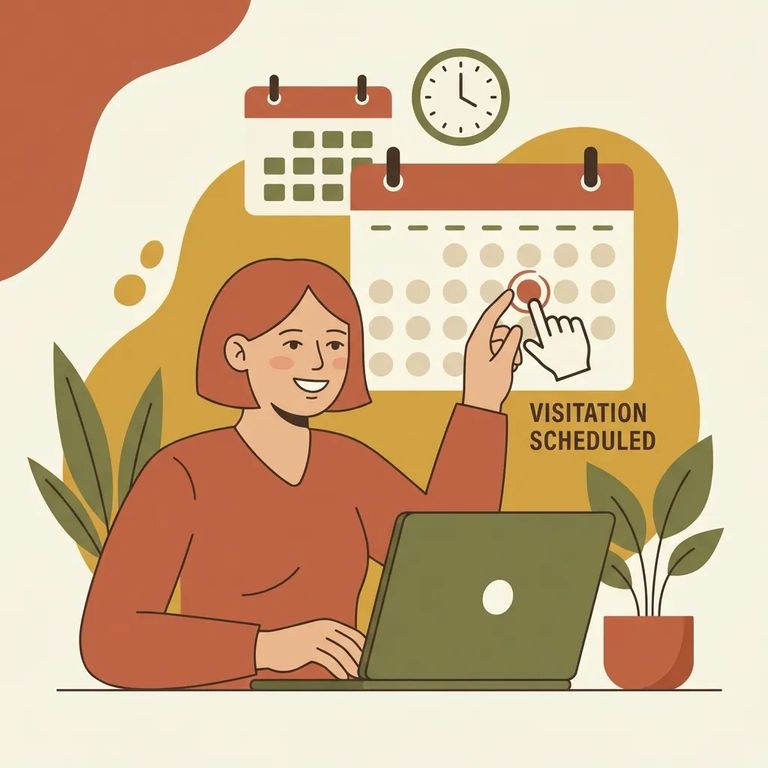
Once you're signed in, you're ready to schedule. The portal walks you through picking a date, time, and location. Submit your request, and the visit confirms instantly - no guessing whether it went through. You'll also see options to "Schedule Visits" and "Purchase Extra Visits" depending on what you need.
Find an Inmate at Pickaway Correctional Institution
Search for a loved one and send messages and photos in minutes.
