
General guidance for Mail and Photos
Mail and Photos at Pleasant Valley State Prison: start with our general mail and photos guide, then confirm details with the facility at (559) 935-4900.
Find inmate search, visitation, mail, phone, and commissary information for Pleasant Valley State Prison in Coalinga, CA. Use this guide to confirm facility details and next steps.
Search for a loved one and send messages and photos in minutes.


Before sending money, confirm which vendor the facility uses and whether you need an online account to get started.
Read Guide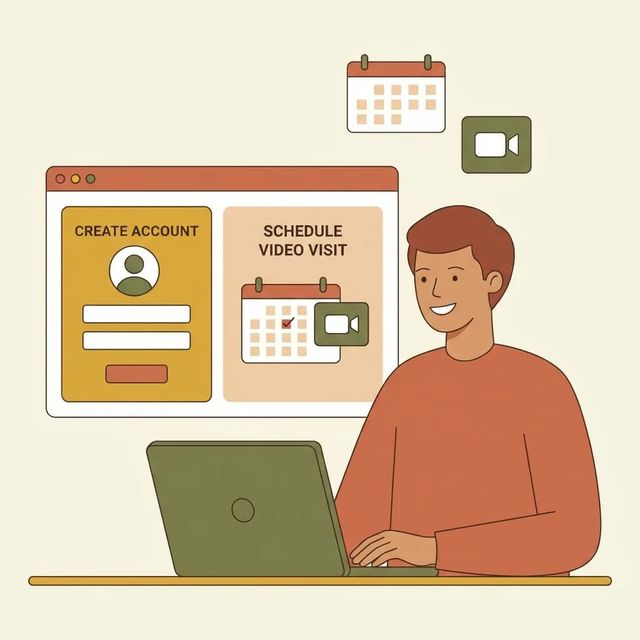
Setting up video visits can feel like a lot the first time around. But once your GTL VisitMe account is claimed, you can book a time slot online and get confirmation instantly.
Read Guide
Pleasant Valley State Prison is switching phone and tablet communications to Securus on a set schedule. Here are the exact dates, what's changing, and how to prepare so you're not caught off guard.
Read GuideBased on official sources and community feedback.Learn how we verify
Pleasant Valley State Prison uses GTL's VisitMe portal for visit scheduling. You'll get instant confirmation once you book through the system. New to the portal? Use the "CLAIM ACCOUNT" link to set up your account, then sign in. Pick an available date and visit type, confirm your booking, and you're set. The portal works on computers, smartphones, and tablets. Before scheduling, make sure you have a valid photo ID and confirm you're on the incarcerated person's approved visiting list.
Read full guidePleasant Valley State Prison transitioned to Securus as its CDCR communications vendor. Phone calls, video calls, and electronic messaging started rolling out in September. You can receive free phone calls without creating an online account. Video calls and messaging require a Securus account once those services go live. For video, Securus uses Video Connect, a web-based system that lets you schedule and join sessions from an app, computer, or tablet. For tablet rollout timing and costs, check the CDCR tablets page. Want to be ready when video and messaging launch? Create your account and add funds ahead of time.
Read full guideSending money to someone at Pleasant Valley State Prison is straightforward once you confirm the current deposit method. Our source copy of the CDCR visitors page returned only a loading message, so check the live official page before sending anything. Many facilities use third-party vendors for deposits. GTL's portal, for example, includes a "CLAIM ACCOUNT" link for new users. Deposit options often include online or mobile portals, phone deposits, lobby kiosks, and U.S. Postal money orders, but the exact methods depend on the facility and vendor. Money in a person's trust account typically covers commissary, phone time, and hygiene items. Court-ordered deductions may reduce the balance. To avoid delays, confirm the person's full name and CDCR number, then follow the vendor's instructions.
Read full guideMail and Photos at Pleasant Valley State Prison: start with our general mail and photos guide, then confirm details with the facility at (559) 935-4900.
Click the "CLAIM ACCOUNT" link on GTL's VisitMe portal to create or claim your scheduling account. Then sign in with your email/Visitor ID and password. If you can't log in, use the portal's password reset option.
VisitationThe GTL portal provides instant confirmation when you schedule a visit. For extra reassurance, check your portal confirmation details. Confirmation practices can vary, so the facility page may have additional information.
VisitationYes. Schedule visits from a computer, smartphone, or tablet through the online portal. Sign in to GTL's VisitMe portal for PVSP and choose from available visit options. Visit types and availability vary by facility.
VisitationAccording to Securus, telephone calls, video calls, and electronic messaging at Pleasant Valley State Prison began rolling out in September.
CommunicationNo. Securus advises you do not need an online account to receive free telephone calls.
CommunicationVideo visits use Securus Video Connect, a web-based tool for scheduling and joining sessions through an app, computer, or tablet. Create a Securus account and add funds ahead of time so you're ready when video and messaging go live. For tablet rollout dates and costs, check the CDCR tablets page.
CommunicationSearch for your loved one to start communicating today
You'll sign in to the GTL visitation portal to schedule and manage upcoming visits, and the portal shows instant confirmation for visits.
This guide is based on feedback from dozens of families and official facility documentation. Learn how we verify