
Setting Up Video Visits with ICSolutions: A Complete Guide for IDOC Families
IDOC video visits run through ICSolutions at most facilities, so getting your account set up correctly is the first step. Once you're registered, plan around the visit limits and conduct rules—breaking either can end your visit on the spot.
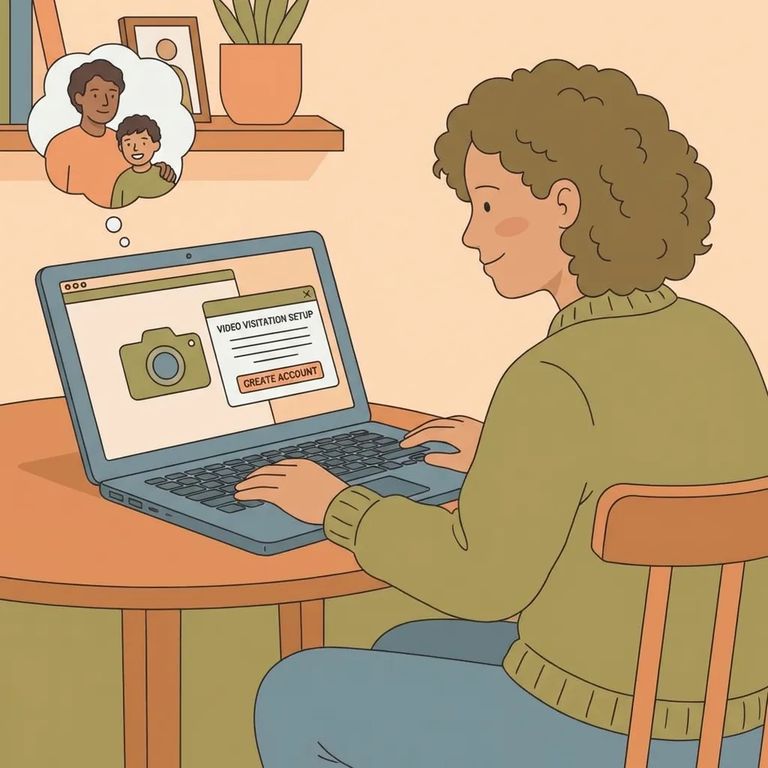
IDOC has moved video visitation from GTL to ICSolutions at all facilities except ATCs. To schedule a video visit with someone in IDOC custody, you'll need an ICSolutions friends-and-family account. No account means no visit - registration is the essential first step.
- Start an ICSolutions visitor account - use the ICSolutions video visitation registration process to create your friends-and-family account.
- Finish your account setup before you try to book - complete registration first, then move on to scheduling your video visit through ICSolutions.
IDOC caps video visits for each person in custody: one per day, two per week. These limits count against their total, not yours. If both weekly visits get used early, no one else can schedule that week - so planning ahead matters.
- ✓ No more than three approved visitors can participate per video visit for individuals in custody who are in general population or protective custody.
No nudity allowed: Any nudity on camera will end the visit immediately.
No sexual behavior: Any actions of a sexual nature will end the visit immediately.
Staff enforce these rules in real time. Nudity or sexual behavior ends the call on the spot. Treat the video visit like an in-person visit: stay fully dressed, keep the setting appropriate, and make sure anyone who might appear on camera knows the rules before you connect.
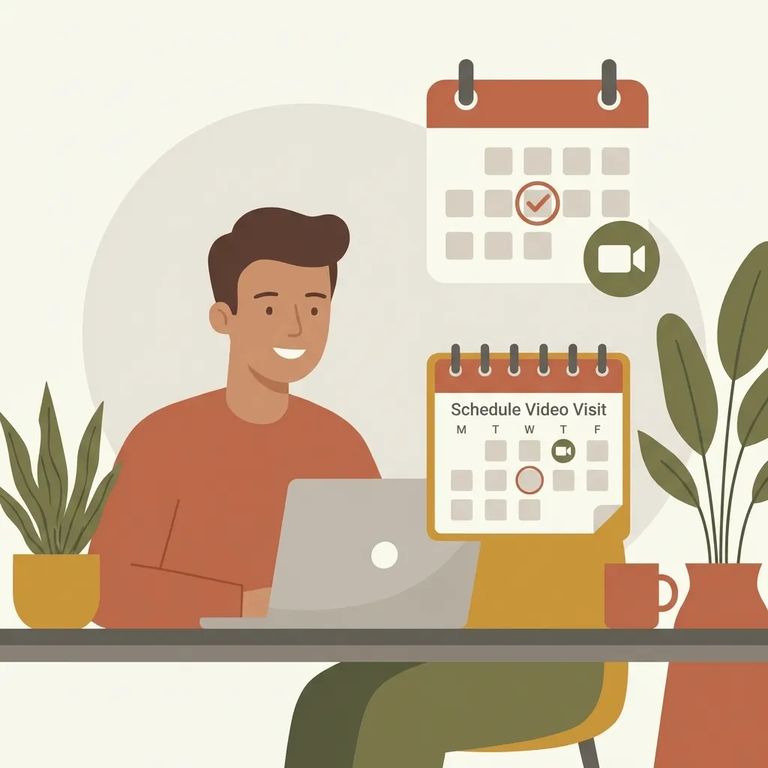
With only two video visits allowed per week (and one per day), a little planning goes a long way. Schedule early in the week so there's room for a second visit later. Don't try to book multiple visits on the same day - only one will happen.
- ✓ Make sure your ICSolutions registration is complete before you try to schedule.
- ✓ Use a reliable internet connection so the visit doesn’t get disrupted.
- ✓ Have a compatible device ready ahead of time so you’re not troubleshooting at the start of the visit.
Most visit problems are avoidable. Treat the call like it's being monitored - because it is. Keep nudity off camera and skip any sexual behavior. If kids are joining, set expectations beforehand so the call stays calm and appropriate from start to finish.
Find an Inmate at Pontiac Correctional Center, IL
Search for a loved one and send messages and photos in minutes.
