
What Happens to Your Letters at Pontiac: Understanding IDOC's Mail Scanning, Tablet Delivery, and Print Requests
Mailing letters to someone at Pontiac Correctional Center? The biggest thing to know: most non-privileged mail gets scanned or photocopied instead of delivered as the original paper. Here's how the IDOC process works, how your loved one views their mail, and how they can request a color print of something special.
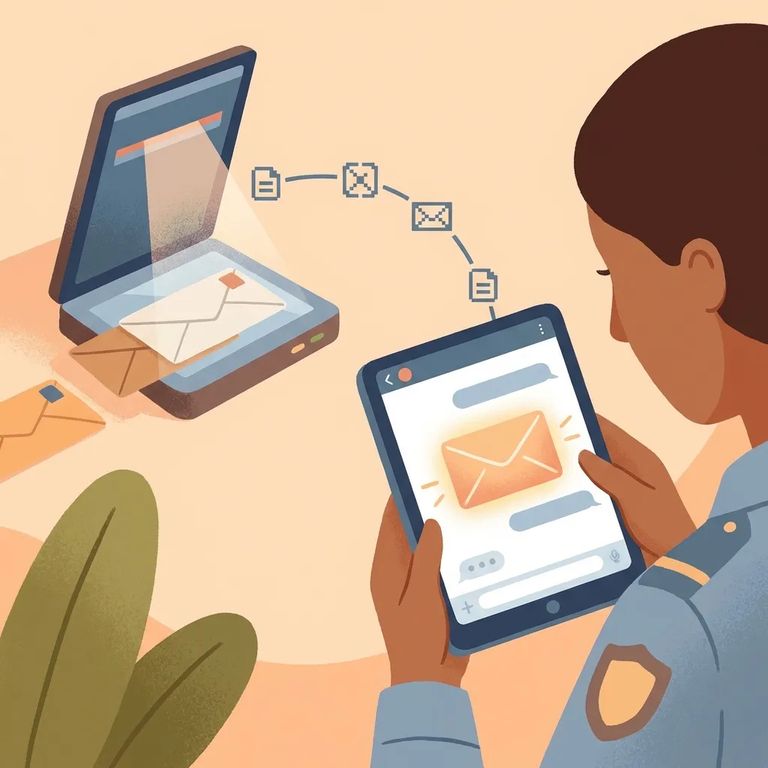
At Pontiac - like other IDOC facilities - incoming non-privileged mail is scanned and/or photocopied. Your general letters and personal mail get converted to digital versions rather than handed over as originals.
Heads up: Publications (like books, magazines, and newspapers) are not scanned or photocopied as part of the non-privileged mail scanning process.
When your letter arrives, mailroom staff scan it in color. They capture the front and back of the envelope plus everything inside - letters, greeting cards, photographs. Those scans become PDF images and get uploaded to your loved one's Bulletin Board on their tablet.
Once uploaded, your loved one gets a notification that new scanned documents are ready. They can then download and view the PDFs on their tablet.
The scanning itself is free - no cost to you, no cost to your loved one. You can write and send mail without paying any extra fees.
No tablet access? No problem. Anyone without a tablet receives paper photocopies of their scanned mail instead.
Note: IDOC doesn't return original paperwork after scanning. If you need to keep an original, send a copy instead.
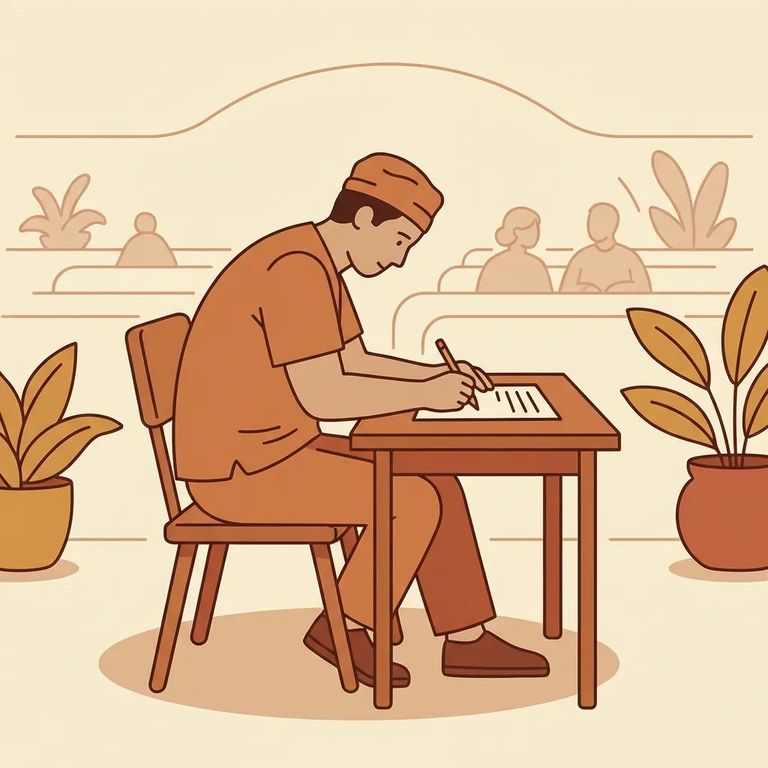
Want a printed color copy of a specific scanned item? Your loved one can request one using the Individual In Custody Request Form (DOC 028). They should write "Mail Print Request" and include the document number for the exact piece of mail they want printed. That number is handwritten on the scanned document and starts with their IDOC number.
- Find the document number - On the scanned mail item, locate the handwritten document number (it begins with the individual’s IDOC number).
- Fill out a DOC 028 - Write “Mail Print Request” on the form and include the document number for the piece of mail they want printed.
- Turn in the request - Submit the completed DOC 028 through the facility’s normal request process so staff can process the print request.
Legal and privileged mail works differently. None of this scanning applies - privileged and legal mail isn't copied, scanned, imaged, or reproduced. It continues under the existing policy.
Photos can be an exception too. Original photographs mailed directly from a photo printing vendor - with the vendor's watermark or logo - are delivered as-is, unless they're otherwise unauthorized.
Find an Inmate at Pontiac Correctional Center, IL
Search for a loved one and send messages and photos in minutes.
