
Before Your First Visit to RRM Philadelphia: ID You Need and What to Expect
First visits are stressful — you don't know what staff will ask for or how the approval process works. Good news: once you understand how WebV registration connects to your ID at the door, you can avoid most delays.
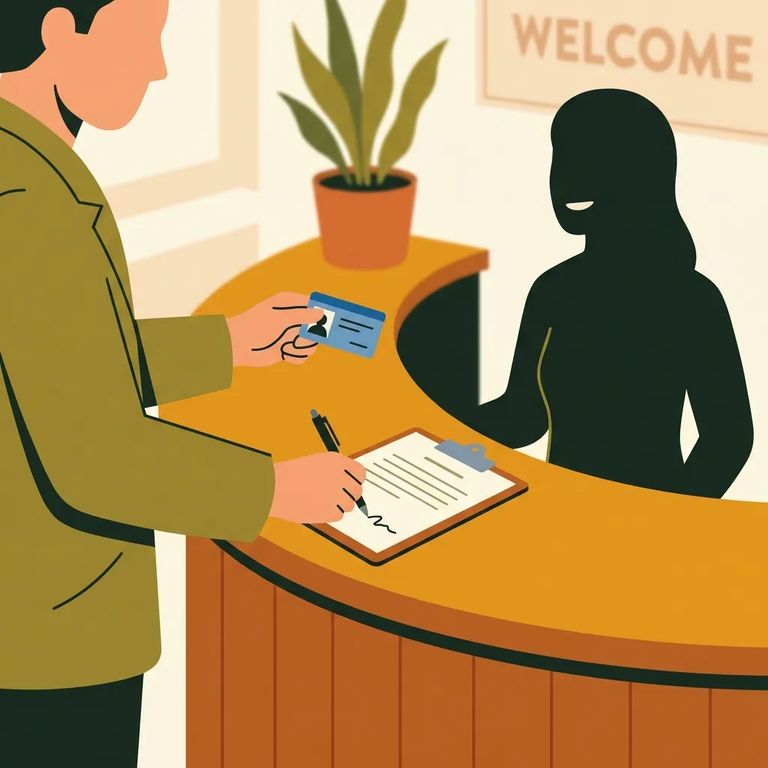
Your visit actually starts before you ever show up in person. In the Bureau of Prisons Web Visiting System (WebV), the incarcerated person kicks off the process: they request a Visitor Information form and send it to whoever they want to visit. You fill it out and submit it back for BOP review. Once approved, that approval is what lets staff recognize you as an authorized visitor when you arrive.
WebV stores specific identity details tied to you - not just your name. That includes things like your driver's license or state ID number, passport number, or alien registration number, plus your legal residence, phone number, and approval date. On visit day, staff use those details to match you against what's in the system. The information you submitted and the ID you bring need to line up.
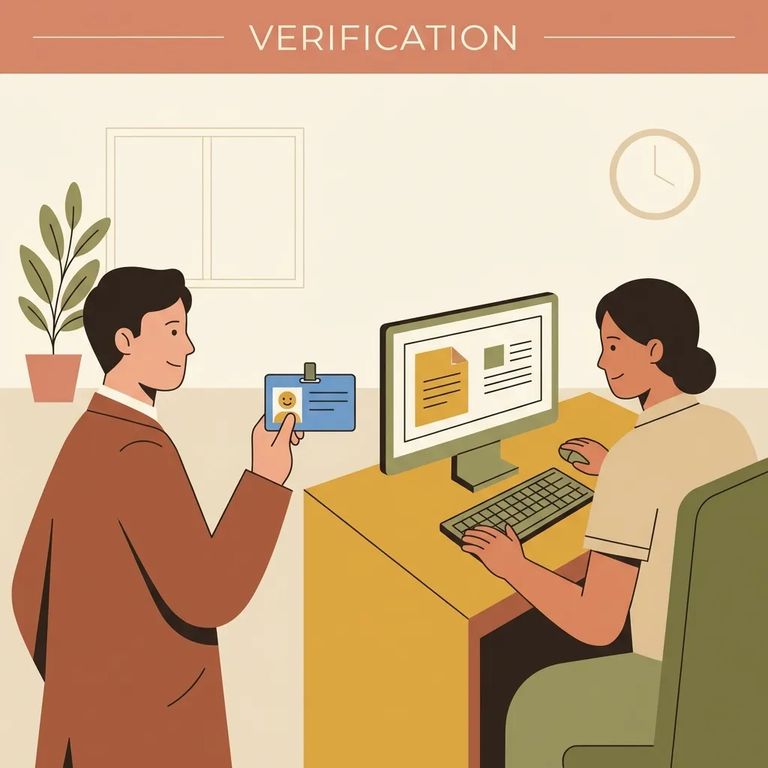
Bring a legal photo ID every single time. Staff compare it against the information saved in WebV - including the ID number you provided - and mismatches slow things down at the desk. Your best bet: bring the same type of ID you used when filling out the Visitor Information form, and make sure the name and details match exactly.
- ✓ Driver’s license or state ID (bring the one that matches the number you submitted in WebV, if possible)
- ✓ Passport
- ✓ Alien registration documentation/number (if that’s what you used on your visitor information)
- ✓ A backup photo ID (if you have one), in case there’s a problem with your primary ID
Your entry is tracked formally. The BOP uses the Access Control Entry Exit System (ACES), connected with WebV, to log everyone who enters and exits - staff, contractors, volunteers, and visitors. That means you'll go through a formal check-in and check-out process that creates an official record of who's onsite.
Expect a background-validation step tied to your visitor information. At minimum, an NCIC check validates the data you provided. Staff use your legal photo ID to confirm who you are, compare it to what's in the system, and address any discrepancies. Check-ins go smoothest when your ID details match what was submitted during approval.
Previsit Checklist
- ✓ Confirm the incarcerated person requested and sent you the Visitor Information form through WebV
- ✓ Complete and submit the Visitor Information form so the BOP can review and approve you
- ✓ Bring your legal photo ID (and, if you can, a backup ID)
- ✓ Arrive early enough to handle check-in without rushing
- ✓ Verify current local rules with RRM Philadelphia before you travel (for example: dress expectations and what items you’re allowed to bring)
- Confirm the form was actually initiated - the incarcerated person must request the Visitor Information form and send it to you to start the process.
- Double-check your WebV submission - make sure you completed the Visitor Information form and submitted it for approval.
- Contact the RRM Philadelphia office for help - if you’ve submitted everything and still aren’t showing as approved, ask the office to confirm receipt and advise what to do next.
Note: If something gets flagged during the NCIC validation or your information doesn't match what's in ACES/WebV, staff may deny entry until it's resolved. Follow the instructions given onsite and work through the facility's local contacts to clear things up.
Find an Inmate at RRM Philadelphia
Search for a loved one and send messages and photos in minutes.
