
SATF-Corcoran
Need to reach someone at SATF-Corcoran? Look up an inmate, send messages or mail, add commissary funds, or schedule a visit.
Explore
Find an Inmate at SATF-Corcoran
Search for a loved one and send messages and photos in minutes.

Guides for This Facility
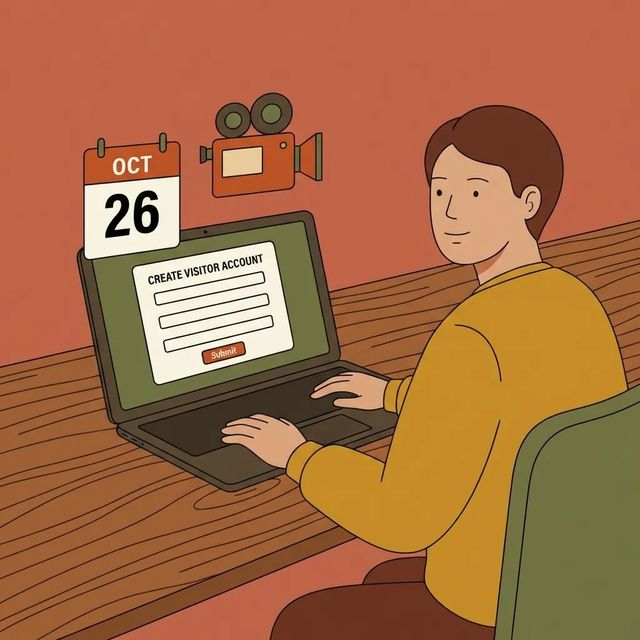
How to Visit Facility
Visiting at SATF-Corcoran starts with setting up online access so you can schedule visits ahead of time.
Read Guide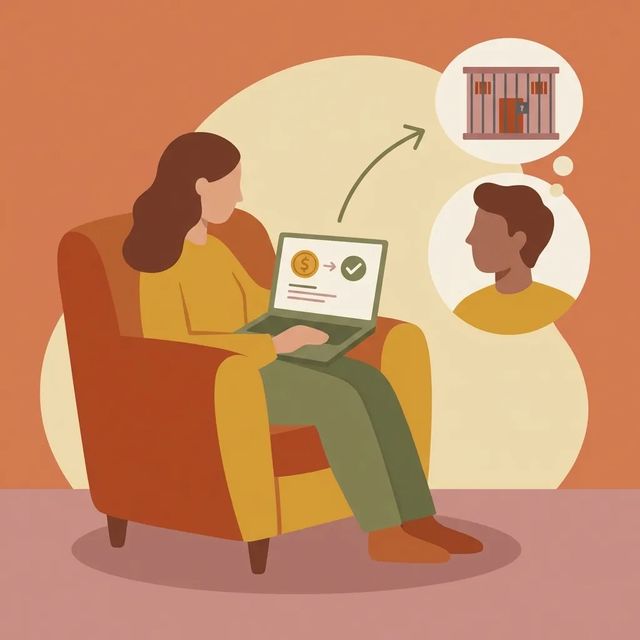
How to Send Money to Facility
Adding funds for someone at SATF-Corcoran? The main thing to know is there's a service transition happening. A few quick steps now will save you headaches later.
Read Guide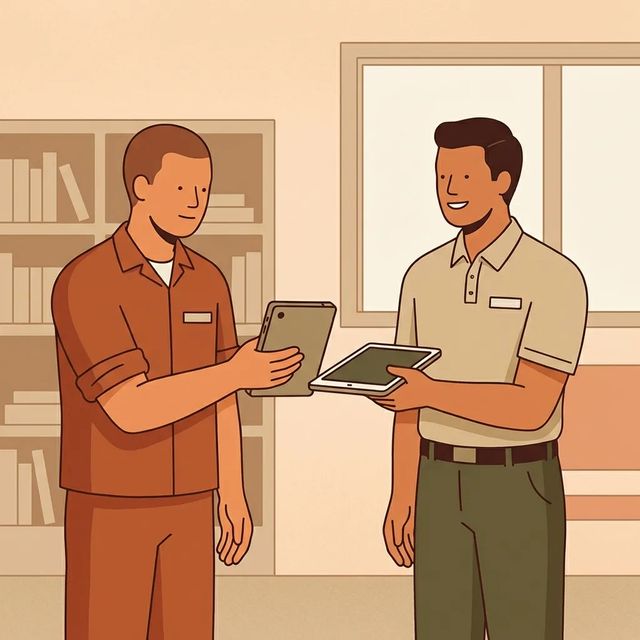
SATF‑Corcoran: What Families Should Know About the ViaPath → Securus Tablet Transition
SATF‑Corcoran is switching from ViaPath to Securus for phones and tablets. The key thing to understand: this isn't just a software update. There's a physical device swap, and some ViaPath content won't carry over.
Read GuideAt a Glance
Visitation
- Families can sign in to an online portal to schedule and manage visits to reserve date, time, and location and skip long lines.
- Many California facilities use GTL/VisitMe or the VSA portal to create accounts and book visits online.
- Most scheduling portals include a 'CLAIM ACCOUNT' option, password-reset links, and language and privacy options for new users.
Communication
- CDCR is transitioning inmate communication services from ViaPath to Securus.
- Visitors and clients should create a Securus account before their loved one’s facility transition.
- Standard audio calls from institution phones and tablets are free under the department’s communications programs.
Sending Commissary
- Visitors/clients must create a Securus account prior to a loved one’s facility transition at SATF-Corcoran.
- Common deposit methods include online/mobile portals, phone deposits, lobby kiosks, and U.S. Postal money orders, but accepted options vary by facility/vendor.
- Money deposited to an inmate trust account pays for commissary, phone time, hygiene items, and may be subject to court-ordered deductions or restitution.
Based on official sources and community feedback.Learn how we verify
Topic Overviews
Visitation
To visit someone at SATF-Corcoran, use the facility's online scheduling portal to book and manage visits. Reserve your date, time, and location ahead of time to skip long lines. Many California facilities use online systems like GTL/VisitMe or the Visitation Scheduling Application (VSA) for account creation, booking, and confirmations. The process: claim or create your account, sign in (use the password-reset link if locked out), then select your visit type, date, time, and location before confirming. You can schedule from a computer, smartphone, or tablet. Some locations also offer video visits or on-site video stations. Bring a valid, unexpired government photo ID and make sure you're on the incarcerated person's approved visiting list. Minors typically need a parent or legal guardian and may require extra paperwork.
Read full guideCommunication
SATF-Corcoran is switching inmate communication services from ViaPath to Securus as part of a CDCR statewide transition. This affects phone calls, video visits, and electronic messaging. Create a Securus account ahead of time so you're ready when the facility switches over. Standard audio calls from institution phones and tablets remain free under the department's communications programs. Paid options (like some video visit features) typically require prepaid funds through the communications app. During the changeover, some institutions stay on the older platform until their scheduled switch date. Confirm which provider the facility currently supports before you schedule or pay for services.
Read full guideSending Commissary
Planning to manage money for someone at SATF-Corcoran? Create a Securus account before your loved one's facility transition. Deposits are typically made through an online or mobile vendor portal, by phone, at a lobby kiosk, or with a U.S. Postal Service money order. Exact options vary by facility and vendor. Funds in an inmate trust account can be used for commissary purchases, phone time, and hygiene items. They may also be reduced by court-ordered deductions or restitution. Before you start, have the incarcerated person's full name and booking or facility ID ready, then follow the vendor's instructions. Don't mail cash. Check fees and posting times so the money arrives when needed.
Read full guideCommon Questions
Showing 6 of 9How do I schedule a visit at SATF‑Corcoran?
Use SATF-Corcoran's online scheduling portal. You'll reserve a date, time, and location and manage your visits from there. Claim or create an account, sign in, choose your visit type and time, then confirm.
VisitationCan I schedule a visit at SATF‑Corcoran from my phone?
Yes. You can schedule through the portal from a computer, smartphone, or tablet. If you can't get in, use the portal's password-reset or help options to regain access.
VisitationWhat ID or paperwork do I need to visit someone at SATF‑Corcoran?
Bring a valid, unexpired government-issued photo ID, and make sure you are on the incarcerated person’s approved visiting list. Minors generally must be with a parent or legal guardian and may need additional paperwork or checks.
VisitationIs SATF‑Corcoran switching from ViaPath to Securus for inmate communications?
Yes. CDCR is moving inmate communication services from ViaPath to Securus as part of a statewide transition.
CommunicationDo I need a Securus account to video call an inmate at SATF‑Corcoran?
You should set up a Securus account in advance so you can use video and electronic messaging once SATF-Corcoran transitions. If the site has not switched yet, keep using the provider the institution currently supports.
CommunicationWhat should families do during the ViaPath → Securus transition at SATF‑Corcoran?
Create and verify a Securus account before your loved one's transition, then register for video and messaging services. If you plan to use paid video visit features, add prepaid funds through the app. Confirm which platform the facility currently supports before scheduling.
CommunicationMore Guides
Ready to Connect?
Search for your loved one to start communicating today
Did You Know?
CDCR is transitioning its inmate communication services from ViaPath to Securus.
This guide is compiled from official facility documentation and community feedback. Learn how we verify