
Two Different Video/Visit Systems at SATF-Corcoran: GTL VisitMe vs. Securus Video Connect
Trying to visit someone at SATF-Corcoran? Here's the confusion: two different systems are involved. GTL VisitMe handles in-person visit scheduling, while Securus Video Connect is for remote video sessions and other communication features.
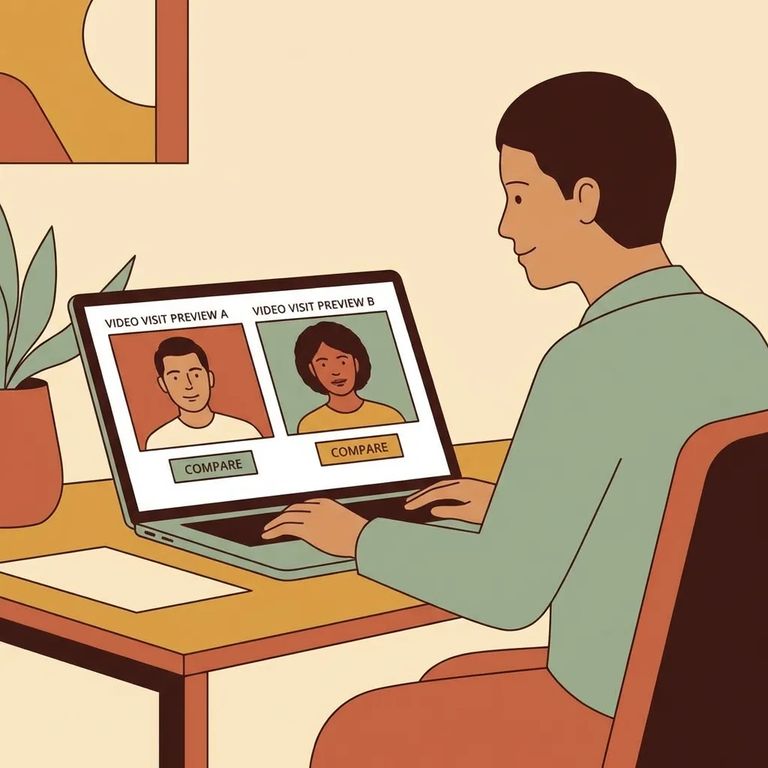
At SATF (a CDCR facility), GTL VisitMe and Securus serve different purposes. GTL VisitMe is your portal for in-person visits - sign in, pick a date/time/location, and get instant confirmation when you reserve a slot. Securus handles something else entirely: it's CDCR's communications provider, running Securus Video Connect for remote video sessions.
Securus does more than video visits. You can also send messages, photos, eCards, and short video clips through its electronic messaging features. For tablet rollout schedules and cost details tied to CDCR-provided tablets, Securus directs families to CDCR's tablet information page.
Planning an in-person visit at SATF? Use GTL VisitMe. Log in, choose your date, time, and location, and you'll get confirmation right away once the visit is booked.
- ✓ Go to the GTL VisitMe site and use the “CLAIM ACCOUNT” option if you’re a new visitor.
- ✓ Create/claim your GTL VisitMe account before you try to schedule an in-person visit.

Want to connect remotely instead of traveling to the facility? That's where Securus comes in. Securus Video Connect is web-based - you can schedule and join video sessions from anywhere with internet access using the Securus app, a computer, or a tablet. For SATF, Securus is the designated CDCR communications provider, so when you see "Video Connect" for CDCR, you're in the right place.
- ✓ Open a Securus account (either on the website or in the mobile app) if you expect to use video calls or electronic messaging.
- ✓ In the Securus app, use AdvanceConnect to set up your account and add funds for prepaid video calls.
- ✓ In Video Connect, register by selecting “Allow video calls.”
Once your Securus account is set up, you may also have access to electronic messaging - things like messages, photos, eCards, and short video clips. For current details on tablet rollout timing and costs for CDCR-provided tablets, Securus directs families to CDCR's tablets page.
Want both in-person and remote contact? You'll need two separate logins. GTL VisitMe is for reserving in-person visits at SATF (claim or create that account first). Securus handles remote video and electronic messaging - open a Securus account and set up Video Connect to get started.
- Set up GTL VisitMe for in-person visits - Use the “CLAIM ACCOUNT” option if you’re new, then log in to schedule and manage on-site visits.
- Set up Securus for remote video - Create your Securus account, add funds through AdvanceConnect if you plan to use prepaid video calls, then register for Video Connect by enabling “Allow video calls.”
Note: Before traveling or scheduling a remote session, confirm current availability and details for your situation. For tablet rollout schedules and costs tied to CDCR-provided tablets, check the CDCR tablet information page that Securus directs families to.
Find an Inmate at SATF-Corcoran
Search for a loved one and send messages and photos in minutes.
