
SATF‑Corcoran: What Families Should Know About the ViaPath → Securus Tablet Transition
SATF‑Corcoran is switching from ViaPath to Securus for phones and tablets. The key thing to understand: this isn't just a software update. There's a physical device swap, and some ViaPath content won't carry over.
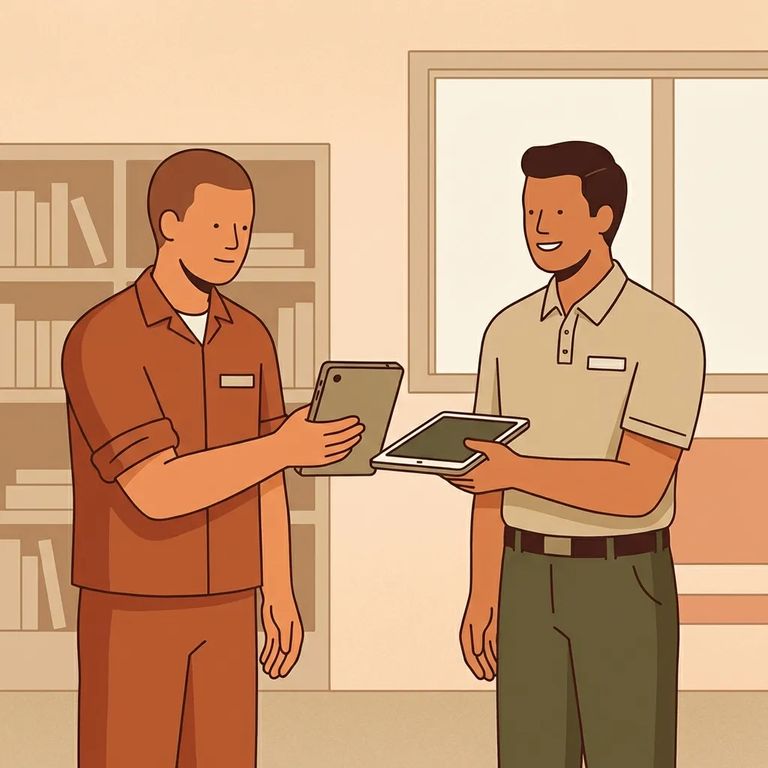
CDCR is moving institutions from ViaPath to Securus on a rolling schedule, and SATF‑Corcoran is part of that rollout. Until SATF’s transition happens, your loved one will keep using ViaPath the same way they do now - so if you’re still using ViaPath for messaging or other tablet services today, that’s expected.
This matters because it's not a behind-the-scenes switch. When SATF transitions, the ViaPath tablet gets turned in and a new Securus tablet is issued. That exchange affects what your loved one can access afterward - especially anything purchased or stored through ViaPath.
According to CDCR's posted rollout schedule, SATF (Corcoran) phone service transitions on 2/23. Tablets follow immediately after, during the 2/24–2/27 window. If you're planning to add money, buy content, or request refunds, keep those dates in mind.
- Plan for the tablet swap - this transition includes a physical exchange, not just a software update.
- Have your loved one turn in the ViaPath tablet - the existing ViaPath device must be returned during the transition.
- Receive the new Securus tablet - a replacement tablet on the Securus system is issued after the ViaPath tablet is turned in.
The hardest part for many families is what doesn't come along. CDCR's guidance is clear: ViaPath content does not transfer. Photos, e‑messages, and media purchased through ViaPath can't be moved to the new Securus tablets at SATF. If you've paid for media or built up a message and photo history, expect it won't show up on the new device after the exchange.
Note: Since SATF requires a tablet exchange (ViaPath turned in, Securus issued), ViaPath purchases and stored content don't follow the hardware. If there's anything you need to save or screenshot, do it before the swap.
Refunds depend on who holds the balance. Families can request refunds for unused ViaPath balances through the ViaPath call center. For incarcerated people, ViaPath balances should be refunded automatically to their trust accounts.
Heads up: The guidance doesn't spell out a refund timeline or detailed contact instructions. Check CDCR's tablet transition information and ViaPath's posted instructions before submitting a request.

5
- ✓ Mark SATF’s dates: phone transition scheduled 2/23; tablet transition scheduled 2/24–2/27.
- ✓ Assume ViaPath content won’t transfer (photos, e‑messages, and media purchased through ViaPath) and plan around that before the exchange.
- ✓ Tell your loved one to expect a device swap: the ViaPath tablet gets turned in and a new Securus tablet is issued.
- ✓ If you have unused ViaPath funds on the family side, plan to request a refund through the ViaPath call center.
- ✓ Expect incarcerated ViaPath balances to be refunded automatically to the person’s trust account, rather than moved to the new system.
Before making any time-sensitive moves - like buying media or leaving money in a ViaPath balance - double-check SATF‑Corcoran's dates on CDCR's rollout schedule. The phone transition (2/23) and tablet window (2/24–2/27) are close together.
A few details aren't confirmed: the specific ViaPath call center phone number, how long refunds typically take, and the day-to-day logistics of how SATF will run the exchange on each yard or housing area. Check CDCR's official tablet transition information and the vendors' posted instructions before you act - especially if you're trying to save content or request a refund.
Find an Inmate at SATF-Corcoran
Search for a loved one and send messages and photos in minutes.
