
How to Schedule Your First Visit (In-Person or Video) — SCI Albion (PA)
Your first visit is easier to set up once you understand Pennsylvania's system. At SCI Albion, both in-person (contact) and video visits get scheduled through the PA DOC Inmate Visitation System (IVS)—and you'll log in through Keystone.
You'll schedule visits at SCI Albion through the Pennsylvania Department of Corrections Inmate Visitation System (IVS). This portal handles both contact (in-person) visits and video visits, and it uses Keystone Login to verify your identity. So your first real step? Getting your Keystone/IVS login set up so the system can match you to the approved visitor information on file.
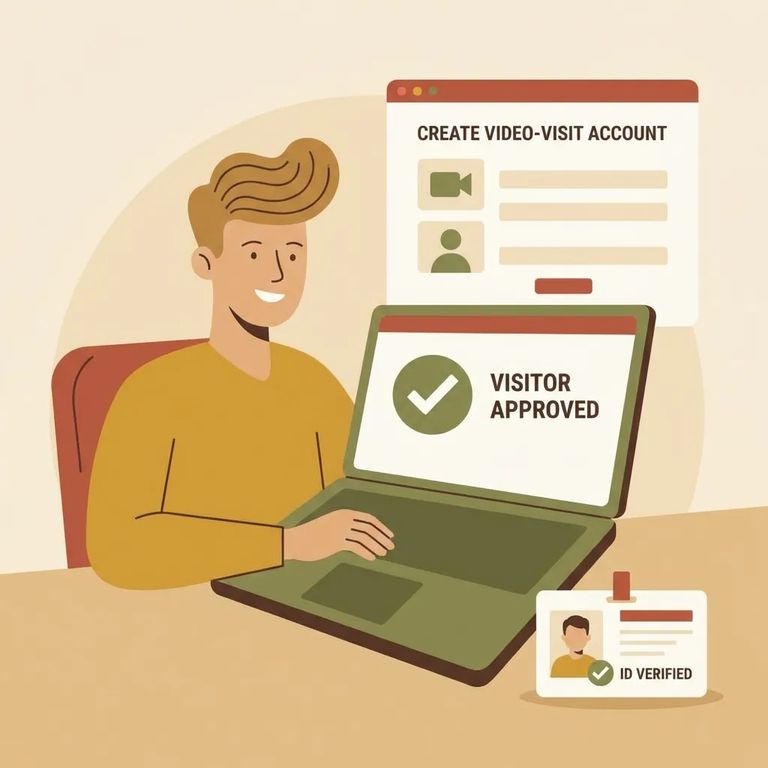
Before you can book anything, you need to create an IVS account through Keystone. Use your real information when registering - your name, date of birth, address, and a valid email you actually check. That email matters: scheduling confirmations go there, and so do your Zoom links for video visits. One thing that trips people up: each visitor should have only one account. The system links one account per authorized visitor.
Note: Don’t create a second IVS/Keystone account if you forget your password. Reset your password instead - multiple accounts can interfere with approval and scheduling.
Having an IVS account isn't enough - you also need to be on your loved one's authorized visitors list. IVS checks that list when you try to connect to an inmate's profile. If you can't find or add them in the system, start by confirming you're actually approved.
Bringing a child? Plan ahead. A DC-313 form must be on file for any children participating, and without it, you may not be able to schedule the visit the way you intended.
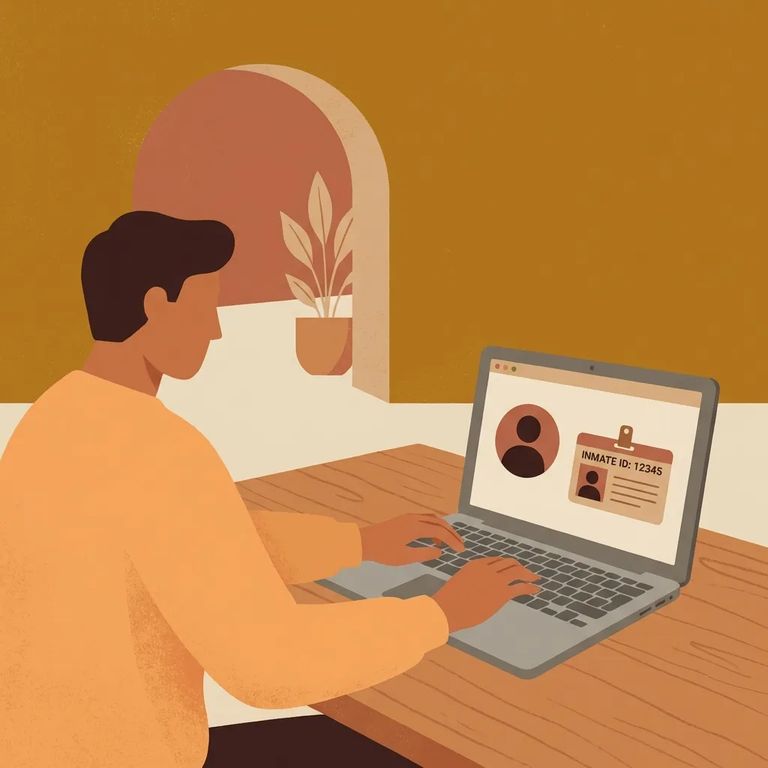
- Log in to IVS using your Keystone Login - this is the portal PA DOC uses for scheduling both contact and video visits.
- Add the inmate to your IVS account - you can only add someone if you’re already on their authorized visitors list.
- Choose the visit type (contact or video) - select the option you want before picking a time.
- Select an available date and time - choose from the open timeslots shown in the system.
- Confirm the visit and save your confirmation - for video visits, your automated confirmation email includes the video visit URL (and the meeting ID/password). You can also find the URL inside IVS under your account’s “upcoming visits.”
Video visits happen over Zoom. They're monitored and recorded - except for visits with legal counsel. Watch your email after scheduling: if SCI Albion cancels your visit for operational reasons, IVS sends an automatic cancellation notice to the address linked to your account.
Here's where it gets confusing. The IVS site says visits must be scheduled at least 3 days in advance (and no more than 60 days ahead). But a PA.gov services overview says at least two days. Both are official sources, which can create headaches if you're trying to book something last-minute.
Play it safe: schedule as early as you can and aim for at least 3 days ahead. That covers you under the stricter rule. Need to cancel? Don't wait. Visitors are expected to cancel at least three days in advance.
Tip: If a visit won't schedule, try a date at least 3 days out and confirm it appears under
Running into login or scheduling problems? Double-check that you haven't accidentally created multiple accounts. PA DOC expects each visitor to have one IVS/Keystone account - duplicates can mess with your approval and scheduling. If you're locked out, use the password reset option instead of registering again.
If a visit gets canceled, IVS emails the address tied to your account. Not seeing emails? Make sure you're checking the same inbox you used to register. You can also check your IVS
Quick Checklist
- ✓ Create your IVS/Keystone account (use one account only).
- ✓ Make sure you’re on the inmate’s authorized visitors list before trying to add them in IVS.
- ✓ After scheduling, save the confirmation email and confirm the visit appears under “upcoming visits.”
- ✓ For video visits, use the Zoom URL (and meeting ID/password) from the confirmation email or your IVS upcoming-visits details.
The key thing to remember for SCI Albion: both in-person and video visits go through IVS. Your visit details live in two places - your confirmation email and your IVS
Find an Inmate at SCI Albion
Search for a loved one and send messages and photos in minutes.
