
How to Schedule Your First Visit at SCI Huntingdon (in-person or video)
Scheduling your first visit at SCI Huntingdon is straightforward once you know which system to use. Here's how to book an in-person or video visit—and what to do if you hit a snag.

SCI Huntingdon offers both in-person and video visits. You'll use the Pennsylvania DOC Inmate Visitation System for both - it's where you schedule visits and where you'll connect for video visits when the time comes.
Tip: Can't easily get to the prison because of distance, work, or health? A video visit is a solid first step. If you want face-to-face time and can make the trip, in-person visits may feel more natural.
2
- ✓ Have your Keystone Login username and password ready (or be prepared to create a Keystone Login)
- ✓ Plan to sign in through Keystone Login - this is how the Inmate Visitation System verifies your identity
- ✓ Keep the DOC Visitor Guide handy if you want the official step-by-step walkthrough for Keystone Login
New to Keystone Login? The DOC's Visitor Guide walks you through it step by step, so you can get into the Inmate Visitation System without guesswork.
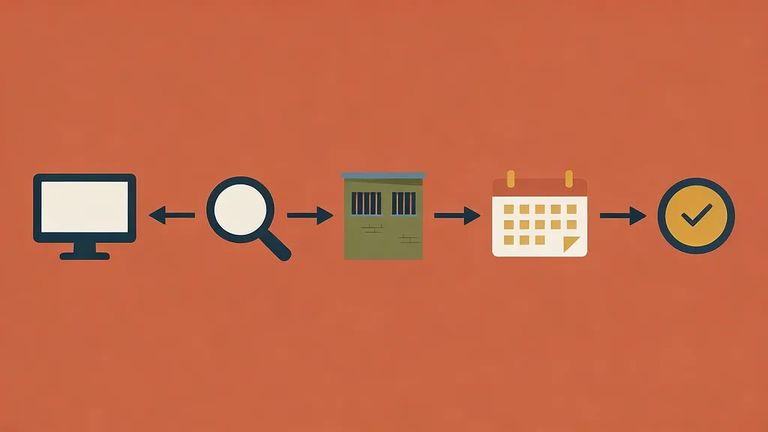
- Open the DOC Inmate Visitation System and sign in - you’ll be routed through Keystone Login for identity verification.
- Find your loved one and select SCI Huntingdon - follow the prompts in the system to choose the correct facility and person.
- Choose your visit type - select either an in-person visit or a video visit.
- Pick an available time slot - choose from the options the system shows you (those are the bookable openings).
- Confirm your appointment - review what you selected and submit the request so it’s officially scheduled.
Reminder: If you aren’t already signed in, the Inmate Visitation System will prompt you to log in through Keystone Login before you can book anything.
Once you've booked, double-check your confirmation inside the Inmate Visitation System. Make sure the visit type (in-person vs. video) is correct, confirm the date and time, and read any notes attached to your appointment. Catching a mistake now is much easier than sorting it out at the door - or moments before a video visit starts.
4
- ✓ Re-check your booking details in the Inmate Visitation System (visit type, date/time, and any notes)
- ✓ Plan for check-in security: every visitor, regardless of age, is subject to search and must pass through a metal detector
- ✓ If you drive onto prison property, lock your vehicle and keep the windows rolled up/closed
- ✓ Expect that visitor vehicles are subject to search while on prison property
Security heads-up: Everyone gets screened - adults and kids alike. Expect a search and a walk-through metal detector at check-in.
Running into problems? Start by contacting SCI Huntingdon directly for help with local questions. For issues with the visitation system itself, email Central Office at ra-crdocinmatevss@pa.gov.
Tip: Before reaching out, have the incarcerated person's information, your scheduled visit details, and any error messages ready. It speeds things up.
Find an Inmate at SCI Huntingdon
Search for a loved one and send messages and photos in minutes.
