
First SCORE video visit: register, schedule, and prepare (step-by-step)
Your first video visit at SCORE is straightforward once you know the process. Follow these steps to register, book an allowed time slot, and sidestep common last-minute issues.
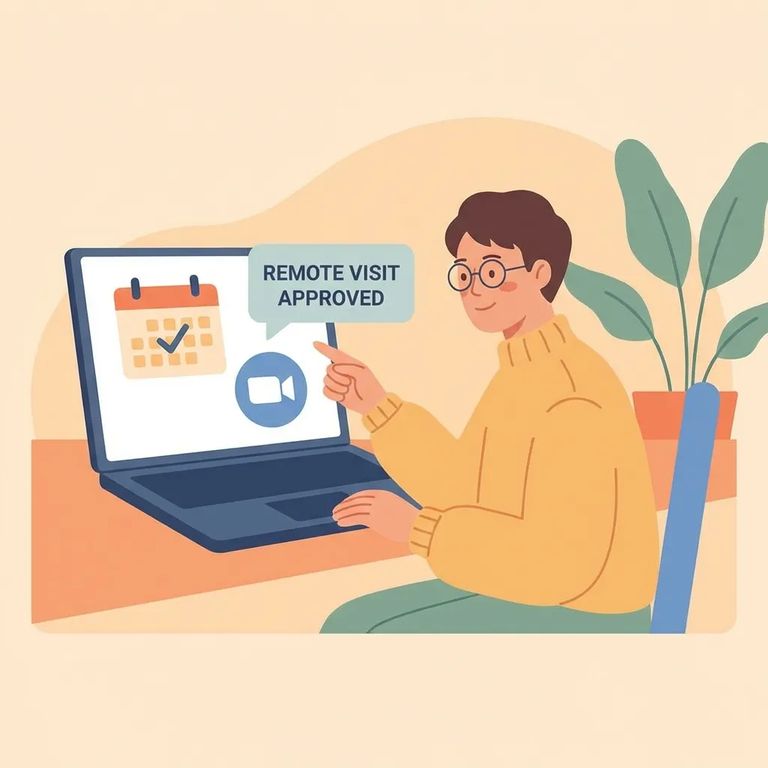
All SCORE video visits go through Securus - registration, scheduling, and the visit itself. Book at least 24 hours ahead but no more than 7 days out. Each slot is exactly 25 minutes. Visiting hours run Sunday through Saturday, 08:00 AM–05:30 PM and 07:00 PM–09:30 PM.
Create your account on Securus first. SCORE requires online registration through Securus, and you'll use that same account to schedule and join your video visit.
- ✓ Your full name
- ✓ Your date of birth
- ✓ A valid email address
Plan ahead when booking. SCORE requires at least 24 hours' notice, and you can't schedule more than 7 days out. Looking for the next available slot? Start with tomorrow's dates and work forward through that one-week window.
Reminder: SCORE does not allow same-day video visitation. If you need a visit today, you’ll have to schedule for a later date.
Video visits at SCORE are 25-minute slots. Your start and end times are fixed to whatever slot you choose, so pick a time when you can be ready and uninterrupted for the full session.
Video visitation hours are Sunday through Saturday, 08:00 AM–05:30 PM and 07:00 PM–09:30 PM. Double-check that your scheduled slot falls within one of these windows.
Tip: If you have flexibility, aim for a time when you won’t be rushing from work, school pickup, or appointments - being settled and logged in early makes a big difference.
Browser heads-up: Securus advises not to use Chrome or Microsoft Edge for scheduled Video Connect sessions. Switch to an alternative browser before your visit time.
- Set up in a quiet, stable spot - choose a place with reliable internet and minimal background noise.
- Test your camera and microphone - confirm your device can see and hear clearly before the scheduled start.
- Close extra tabs and apps - fewer background programs can mean fewer glitches during the call.
- Have a backup plan - if possible, know which device or internet connection you’ll switch to if something fails.
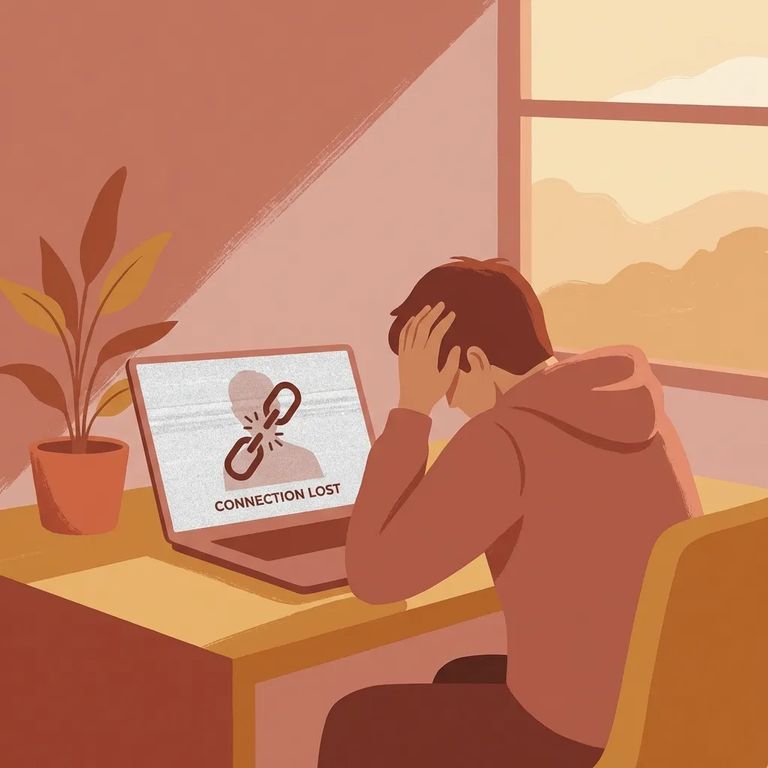
SCORE video visits run on a strict clock. They start and end on time - no restarts. Connect late, and you'll just get whatever time remains in your slot.
- ✓ Sign in several minutes early so you’re not troubleshooting at the start time
- ✓ Confirm your device is charged (or plugged in) before the visit begins
- ✓ Turn off notifications and silence other calls so you don’t get interrupted
- ✓ Keep your login details handy so you’re not searching for them at the last second
Sometimes SCORE cancels visits due to a facility lockdown. When that happens, the canceled visit won't count against your weekly limit. You'll get an email notification, but the visit won't be automatically rescheduled.
Need a new time after a cancellation? Reschedule through Securus. That's your hub for everything - registration, scheduling, and joining visits.
Find an Inmate at SCORE Jail, WA
Search for a loved one and send messages and photos in minutes.
