
What happens if you’re late to a SCORE video visit (and how to avoid it)
Running a few minutes late to your SCORE video visit? You're not automatically out of luck — but you will lose time. Here's how the timing works, what happens if you connect late, and some easy ways to dodge last-minute tech headaches.

SCORE's remote video visits run in 25-minute blocks. Your session is locked to that window - it starts on time, ends on time, and won't restart if you miss the beginning.
Connect late and you can still visit - you just get whatever time remains in your slot. Join 10 minutes after the start? You'll have roughly 15 minutes left. The system won't extend your session to make up for missed time.
Practical Tips
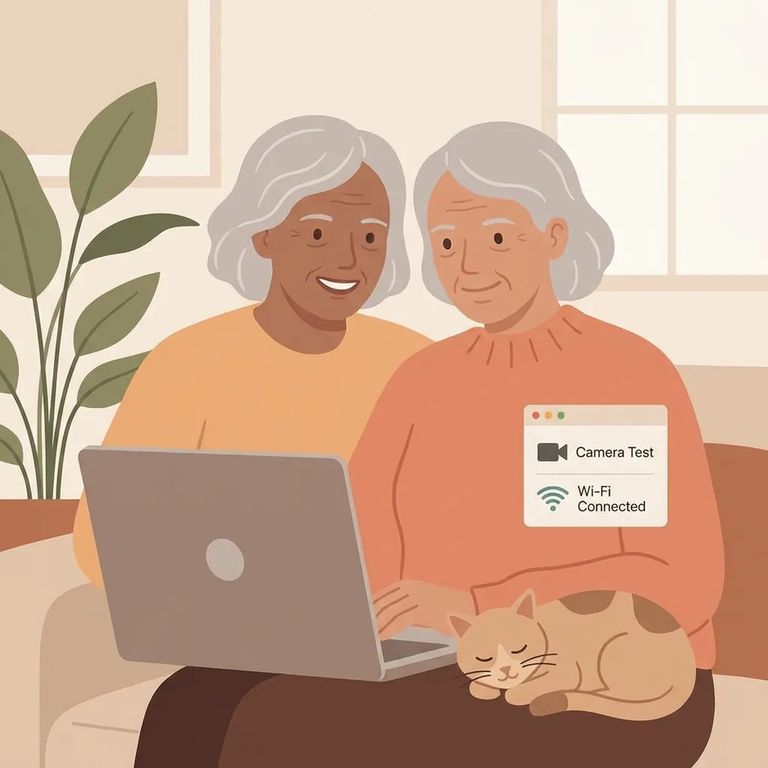
- ✓ Sign in and get set up a bit early so you’re ready to connect right at your scheduled start time.
- ✓ Do a quick test run ahead of time (same device, same internet connection) so you’re not troubleshooting at the last second.
- ✓ If you’re joining a scheduled Securus Video Connect session, avoid Chrome and Microsoft Edge and switch to an alternative browser.
Most late joins come down to small tech hiccups - a browser that won't load, a login loop, or an unexpected update. Securus's Video Connect guidance recommends Chrome or Microsoft Edge for scheduled sessions, so switch browsers before your visit if you're using something else. Sign in early and do a quick test run. That buffer can save you from losing precious minutes to a fixable glitch.
Reminder: SCORE visits start and end on time and won’t be restarted after the start time. If you connect late, your visit can still take place - but only for the remaining time in that scheduled window.
Find an Inmate at SCORE Jail, WA
Search for a loved one and send messages and photos in minutes.
