
How to Read the SE Ohio Regional Jail Online Roster: What the Columns Mean
The SE Ohio Regional Jail online roster can look confusing at first glance. But once you understand what each column means, you'll be able to confirm you've found the right person and make sense of what the jail is reporting about their booking.

The roster displays each person in a table format with the same columns repeated throughout. You'll see a Jail ID (an internal number tied to that booking), plus Photo and Name columns to help you confirm you're looking at the right person. The remaining columns cover case details. Charges lists the alleged offense(s) tied to the booking. Court shows court-related information. Current Disposition indicates the booking's status, and Total Bail displays any bail amount(s) set for that person.
Note: Looking for answers fast? Current Disposition and Total Bail are the two columns families usually check first for status and release information.
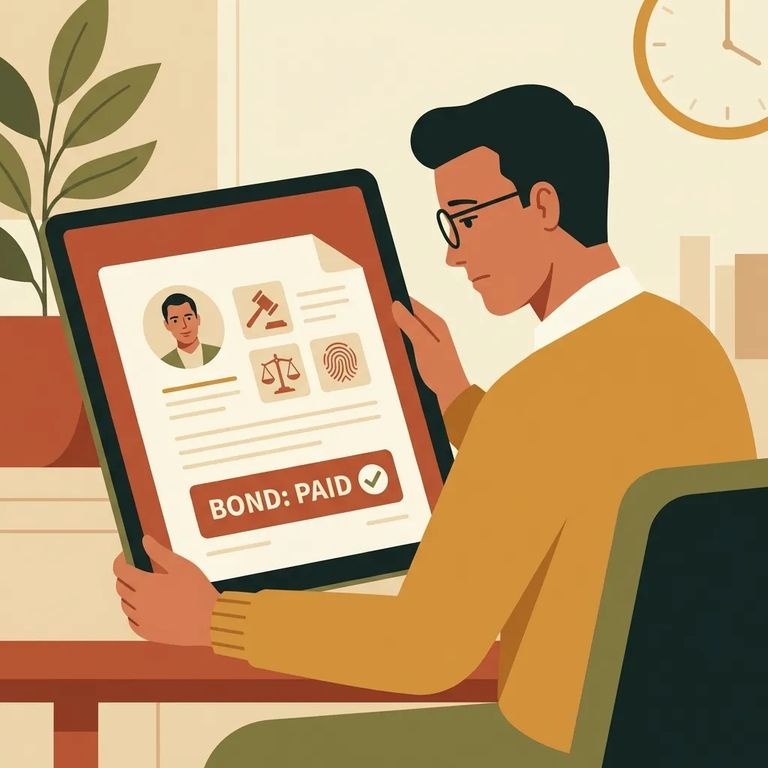
- Start with Name (and Photo, if shown) - Use the Name column, and the Photo when it’s available, to make sure you’re reading the correct row.
- Read the Charges line-by-line - The Charges column can list one charge or multiple charges for the same booking.
- Check Total Bail - Look at the Total Bail column to see the bail amount shown on the roster for that person.
- Find the Book Date - In the details shown with the row, you may also see a Book Date, which is the booking date tied to that entry.
- Confirm the Arresting Agency - The entry can include Arresting Agency, which tells you which sheriff’s office or agency brought the person in.
Tip: Book Date and Arresting Agency are helpful when you’re trying to confirm timing and which department handled the arrest.
Most roster entries include the basics: the person's Name, plus core booking details like Charges, Total Bail, and Book Date. Many also show an Arresting Agency - helpful when you're sorting through similar names or trying to match what you heard from the department that made the arrest.
Some fields add context but won't always be useful. The roster includes a Photo column and a Court column. You may also see Attorney and Next Court Date labels - helpful when filled in, but don't expect them to answer every question about what happens next.
Unclear Entry Action
- ✓ Write down the Book Date and the specific field(s) that don’t make sense (for example, the charge wording or the bail amount).
- ✓ Call the jail to confirm what the roster is showing and what it means for that booking.
- ✓ If the roster or facility provides an email contact, use it to ask about the unclear item(s) and include the person’s name and book date.
Note: Making decisions based on Current Disposition or Total Bail? Call the facility to verify - don't rely on a single roster snapshot.
Find an Inmate at SE Ohio Regional Jail, OH
Search for a loved one and send messages and photos in minutes.
