
How to Send Your First JPay Email to Someone at Tarpon Springs Work Camp
Sending your first JPay message is straightforward: confirm the facility participates, set up your account, buy a Stamp, write your message, and hit send. The biggest first-timer mistake? Spending money before confirming JPay is actually available for the person you're trying to reach.

Before you buy anything, confirm JPay email works for the person you want to message at Tarpon Springs Work Camp. Services vary by facility - sometimes even by housing unit or program. A quick check saves you from buying Stamps you can't use.
- ✓ Ask your loved one directly (if you can) whether they can receive JPay emails at Tarpon Springs Work Camp
- ✓ Check the facility’s posted rules/handbook for messaging or electronic communication details
- ✓ Use the JPay location/recipient search tools to see whether messaging is offered for that facility/person
- Open JPay on the website or app - start from the official sign-in screen.
- Choose “Sign Up” - create a free account with your basic information.
- Verify your account - complete any verification step (like confirming an email or entering a code) so you can send messages without getting stuck later.
- Follow any service prompts - depending on what you’re trying to do (email, attachments, payments), you may see additional prompts to finish setup.
Verify your account right away. This means you can send immediately instead of troubleshooting after you've already written your message. The signup process will guide you through adding a recipient and selecting services available at that facility.
JPay emails aren't free like regular email - each message requires a paid "Stamp." Think of it as credit that covers delivery through the facility's system. Confirm Tarpon Springs Work Camp participation and your recipient's details before loading up on Stamps.
- ✓ Buy Stamps online through your JPay account (website or app)
- ✓ Buy through an on-site kiosk where available (confirm kiosk access/availability for Tarpon Springs Work Camp before you count on this option)

Keep your first message simple and easy to approve. Use a clear subject line, and stick to shorter messages - they tend to go through with fewer issues. Thinking about attachments? Not every facility allows them, and they can change your Stamp cost. Write the message first, then add extras only if they're allowed and you're comfortable paying more.
- Select your recipient - choose the person you’re messaging at Tarpon Springs Work Camp from your recipient list (or add them if this is your first time).
- Start a new message - open the email/message screen and enter a subject (if prompted) and your message.
- Add a Stamp - when prompted, apply the required Stamp(s) to cover sending.
- Add media only if available - attach photos or other add-ons only if the system shows they’re permitted for your recipient/facility.
- Review and send - double-check the recipient and message details, then confirm to send.
Reminder: Before you spend Stamps, confirm you’ve selected the right person and that JPay messaging is active for them at Tarpon Springs Work Camp.
JPay supports photo attachments and, at some facilities, short VideoGrams (usually around 30 seconds). Whether you can send these to someone at Tarpon Springs Work Camp depends on what the facility allows and what's enabled for your recipient.
- Start your message first - write your email so you’re not troubleshooting attachments mid-way.
- Choose the add-on option - look for the photo or VideoGram option while composing.
- Attach your media - upload a photo from your device, or record/select a VideoGram if the option appears.
- Keep it within the expected limits - VideoGrams are typically short (around 30 seconds), and the system will guide you if something doesn’t meet requirements.
- Confirm the Stamp total - attachments may affect the number of Stamps needed; review the final total before sending.
Check first: Photo and VideoGram availability can vary. Make sure Tarpon Springs Work Camp allows the media option you’re trying to use before you pay.
Delivery isn't instant. JPay messages typically arrive within 48 hours, but timing depends on the facility's processing schedule and when your recipient can access the system.
- ✓ Normal processing time at the facility (messages may be reviewed before delivery)
- ✓ Limited access times for the recipient to check messages
- ✓ System slowdowns, maintenance, or high-volume periods
- ✓ A message status in your JPay account showing it’s still processing or not yet delivered
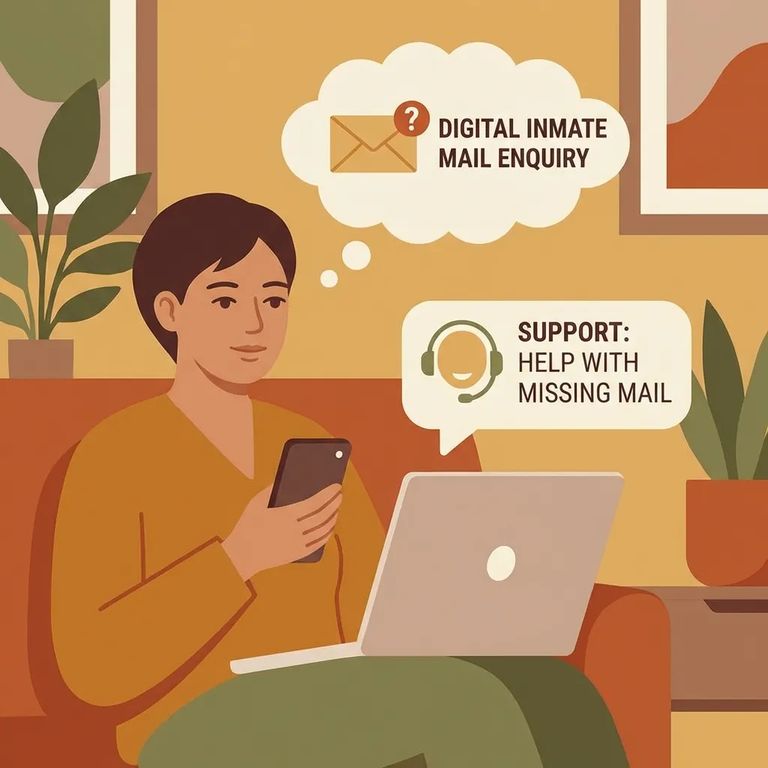
Message not arriving? Start with the basics: make sure your account is fully verified and you selected the correct recipient. Double-check that Tarpon Springs Work Camp participates in JPay messaging for that person - service availability can change. If everything looks right, your message may still be in the normal processing window.
- ✓ Send a short, simple follow-up message once you’ve confirmed you used the correct recipient
- ✓ Consider sending a letter by traditional mail while you sort out messaging access
- ✓ Save screenshots/receipts from your JPay purchase history in case you need support later
- Check your message status - look in your JPay account to see whether it shows sent, processing, or delivered.
- Confirm your Stamp/payment went through - verify the purchase and that the message had the required Stamp(s) applied.
- Re-check the recipient details - make sure you selected the right person and facility.
- Verify facility participation again - confirm Tarpon Springs Work Camp is currently allowing JPay messaging for your recipient.
- Contact JPay support if needed - if the status doesn’t change after the normal window, use JPay’s support options with your transaction details ready.
Find an Inmate at Tarpon Springs Work Camp, FL
Search for a loved one and send messages and photos in minutes.
