
How to Send a JPay Email (If Tarpon Springs Work Camp Accepts JPay)

Before setting anything up, confirm whether Tarpon Springs Work Camp accepts JPay messages. Neither the Florida Department of Corrections pages nor JPay's site specifies this facility's participation, so you'll need to verify directly. If they do participate, JPay works like email - you can send messages to your loved one through their system instead of mailing paper letters.
- Check the Florida Department of Corrections facility information - Look for any mention of electronic messaging providers or approved communication tools for Tarpon Springs Work Camp.
- Check JPay’s facility list/search - Confirm whether Tarpon Springs Work Camp appears as a supported location for email/messages.
- Call or email the facility to confirm - Ask whether they accept JPay messages and whether there are any special rules.
- Use a simple script if you’re not sure what to ask - “Does Tarpon Springs Work Camp accept JPay emails/messages for inmates? If yes, are there any restrictions I should know about (like kiosk access, message limits, or attachment rules)?”
If Tarpon Springs Work Camp accepts JPay, start by creating an account. Signing up is free - no payment required just to register. Once you're set up, you'll use your account to send messages to your loved one through JPay's system.
- ✓ An email address you can access (for your JPay login and account messages)
- ✓ Your loved one’s identifying details (so you can select the correct person/facility)
- ✓ A payment method for Stamps (you won’t pay to sign up, but you will pay per message)
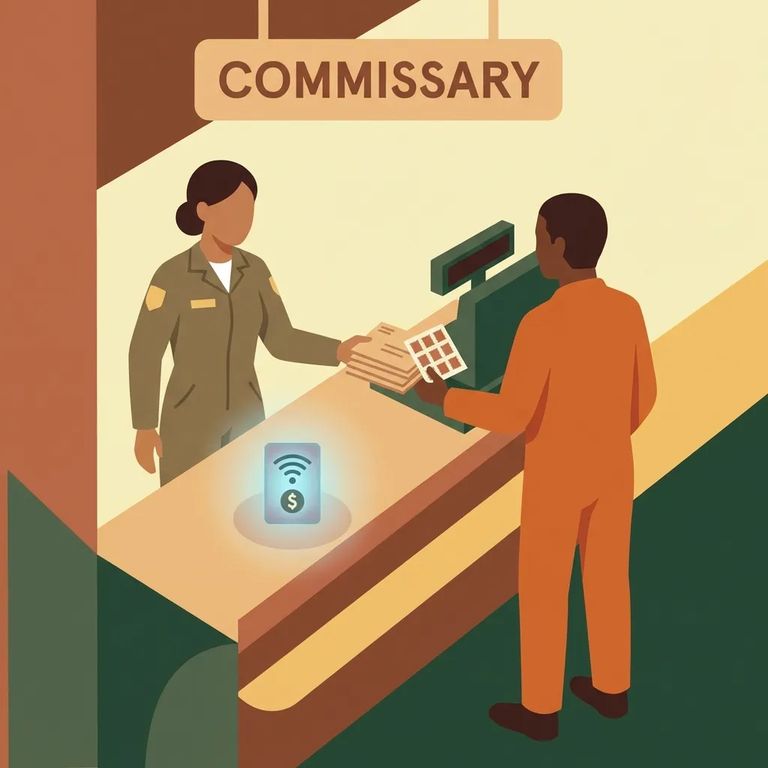
JPay messages don't use regular postage - each email requires a paid
- Buy Stamps online through your JPay account - Purchase the number of Stamps you want using your payment method, then use those Stamps when you send messages.
- Use a facility kiosk if one is available - If the facility has a JPay kiosk, follow the on-screen prompts to purchase Stamps there.
- Confirm kiosk availability before you rely on it - Ask the facility whether a JPay kiosk is available and whether there are any limits on when it can be used.
Note: Every JPay email requires a paid Stamp - if you don’t have one available, your message won’t go through.

- Log in to your JPay account - Use the account you created to access the email/messaging area.
- Select your loved one as the recipient - Choose the correct incarcerated individual (and facility, if prompted) so the message routes properly.
- Make sure you have a Stamp ready - Each email requires a paid Stamp, so confirm you have enough before you start.
- Write your message - Keep it clear and readable; this is an email-style message sent through the facility’s system.
- Attach a Stamp and send - Apply the Stamp to your message and submit it through JPay.
- If you purchased Stamps at a kiosk, follow the kiosk instructions - Kiosk purchasing is an option at some facilities, and the process can be different than buying online.
Tip: If you’re using a facility kiosk to buy Stamps, confirm how that purchase connects to your JPay account or your recipient - otherwise, buy Stamps online in your account before you hit send.
JPay messages usually arrive faster than paper mail - typically within about 48 hours. That said, delivery times aren't guaranteed. Processing delays and facility routines can slow things down.
- Give it the normal window - If it hasn’t been about 48 hours yet, it may still be in processing.
- Confirm the Stamp was applied/charged - Each email requires a paid Stamp; if one wasn’t attached, the message may not send.
- Double-check facility participation and recipient selection - If the facility doesn’t accept JPay messages (or the wrong facility/recipient was selected), delivery can fail.
- Escalate if it’s still not delivered - If you’re past the typical window and the Stamp/recipient look correct, contact JPay support or the facility for help.
If Tarpon Springs Work Camp doesn't accept JPay, don't guess at alternatives. Contact the facility or check Florida DOC resources for the approved option. When you call or email, ask: "If you don't accept JPay, what is the approved method for sending messages to inmates?" and "Is there a different vendor or process I should use for this facility?"
Find an Inmate at Tarpon Springs Work Camp, FL
Search for a loved one and send messages and photos in minutes.
