
All the Ways to Add Money for Calls and Tablets: ConnectNetwork vs GettingOut (NDOC/TLVCC)
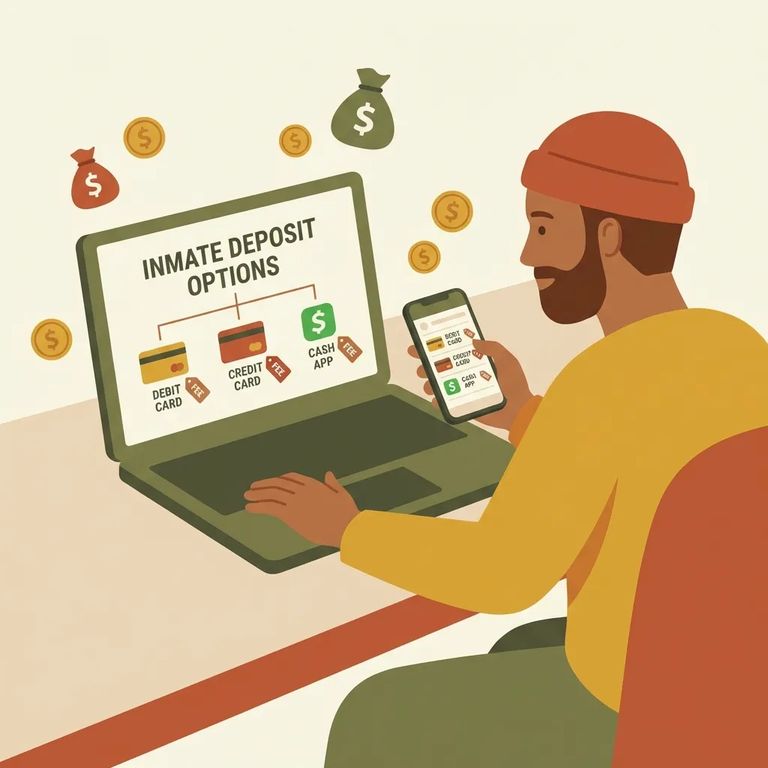
Adding money for someone at NDOC (including TLVCC)? First, you need to pick the right system. ConnectNetwork (ViaPath AdvancePay) handles prepaid phone calling and offender trust deposits. GettingOut is completely separate - that's where you go for tablet contacts, messaging, and video visits.

You can set up and fund NDOC phone calls through ViaPath AdvancePay (ConnectNetwork) by phone or online. For the fastest option, call 1-800-483-8314. The automated system lets you create or fund an AdvancePay prepaid account in minutes. Need to talk to a real person? Call 1-877-650-4249 to reach ViaPath Customer Care - helpful if you're troubleshooting a payment or account issue. You can also manage everything online at www.connectnetwork.com.
- ✓ Use the ConnectNetwork mobile app (Android or iOS) to make AdvancePay deposits
- ✓ Use a ViaPath-installed kiosk (where available)
- ✓ Make an AdvancePay deposit at a local Western Union location
- ✓ Mail a check or money order payable to ViaPath AdvancePay to: AdvancePay Service Dept, PO Box 911722, Denver, CO 80291-1722
- ✓ For offender trust deposits in ConnectNetwork, use the Trust Fund link in the left column, then click “Select” next to the offender’s name
- ✓ For NDOC trust deposits by phone, use the Automated Payment System at (888) 428-1845
ViaPath accepts Visa and Mastercard - credit cards, debit cards, and prepaid cards all work for AdvancePay.
For tablet contacts, messaging, and video visits at NDOC, head to gettingout.com. After creating your account, check your email for an activation link. Your setup isn't complete until you click that "Activate Account" button.
- Wait for the contact to accept your invitation - once they accept, they’ll show on your home screen.
- Deposit funds for messaging - add money to use for messaging.
- Send messages and media - you can message them and send photos and 30-second video clips.
- Set up a video visit - use the video visit option once your contact is connected.
Note: NDOC states that commissions received from offender telephone services are not used to fund the Inmate Welfare Account (IWA). The IWA supports services like satellite TV, recreation equipment and supplies, law library services, and some indigent services.
Start with what you're paying for. Phone calls (or trust deposits through the same portal)? Use ViaPath AdvancePay on ConnectNetwork. Tablet communication - messaging, photos, video clips, or video visits? Use GettingOut. Not sure which is which? ConnectNetwork handles calling and trust funds. GettingOut handles tablet messaging and video visits. Matching the right service to what you need keeps your money from ending up in the wrong place.
Reminder: NDOC can apply facility-specific phone restrictions - things like call length limits, calling hours, limits on number of calls or monthly minutes, monitoring/recording, blocks on certain number types, and even temporary or permanent loss of phone privileges. Restrictions can vary by facility, so confirm the current limits with TLVCC if something isn’t working the way you expect.
Find an Inmate at Three Lakes Valley Conservation Camp
Search for a loved one and send messages and photos in minutes.
