
Setting Up Video Visits and Messaging with Someone at Three Lakes Valley (GettingOut.com)
If your loved one is at Three Lakes Valley, GettingOut.com is how NDOC handles tablet contacts, messaging, and video visits. Here's how to get set up and what to expect.
GettingOut.com is the hub for staying connected with someone incarcerated in NDOC. Once you create an account and your loved one adds you as a contact, you'll use this site to send messages and schedule video visits.
Note: NDOC can set limits on call length, available hours, number of calls, or total monthly minutes. These rules vary by facility, so expect Three Lakes Valley to enforce its own schedule and restrictions.
- Create your account on GettingOut.com - Use the site to register a new account with your information.
- Find the activation email - After you register, GettingOut sends an activation email.
- Click “Activate Account” - Use the button/link in that email to activate your account.
- Log in and accept the terms - After activation, log in with the credentials you just created and agree to the terms and conditions to finish setup.
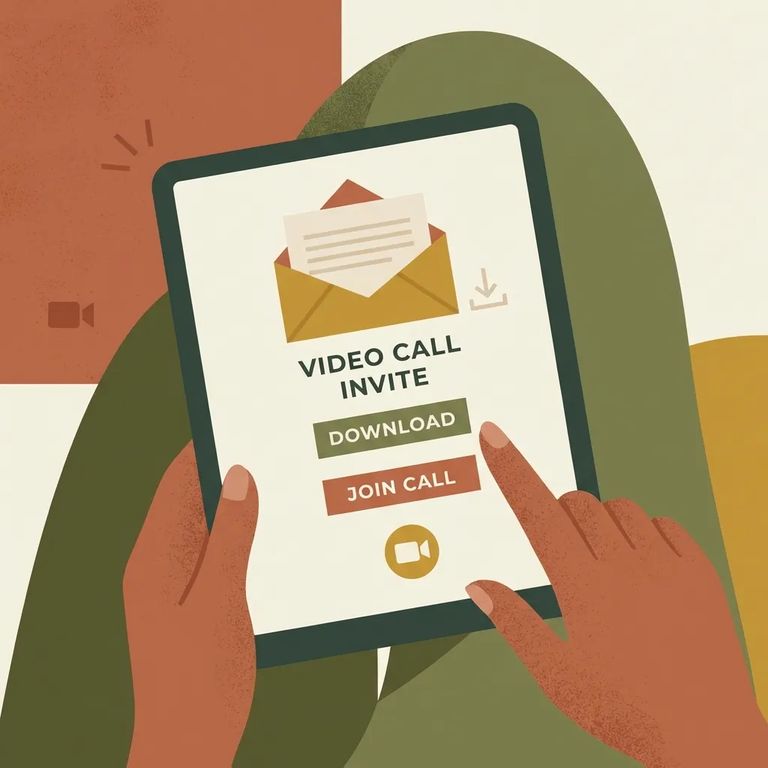
- Go to your home screen after logging in - This is where you’ll start the process of adding a contact.
- Search for your loved one and send the invitation - Add them as a contact through the search results.
- Wait for them to accept - The connection isn’t fully active until your loved one accepts the invitation.
- Use the options that appear once they accept - After acceptance, you’ll see choices tied to that contact, including depositing funds for messaging, sending messages, and setting up a video visit.
Once your loved one accepts, they'll appear on your GettingOut home screen as an active contact. From there, you'll see your main options in one place: deposit funds, send a message, or schedule a video visit.
After your contact accepts your invitation, funding your account is the next step. Depositing money lets you send messages and schedule video visits with that person.
- ✓ Fund an AdvancePay account online through connectnetwork.com
- ✓ Make deposits by phone (as offered through ViaPath/AdvancePay)
- ✓ Use the available mobile app options (as offered through ViaPath/AdvancePay)
- ✓ Make a deposit through Western Union (where available through ViaPath/AdvancePay)
Attorneys seeking private, non-recorded communication should still start by creating a GettingOut.com account. Then email ViapathNVTechs@viapath.com to request an exception for non-recorded video visits and/or phone calls. Include your name, address, the phone number(s) you want private calls on, and your BAR number for validation.
Important: There are no exceptions for private (non-recorded) messaging through GettingOut.com, including attorney messaging.
Even with the right platform, the facility controls when and how communication happens. NDOC allows restrictions on call length, calling hours, number of calls, and total monthly minutes. Since these vary by facility, check Three Lakes Valley's current schedule and limits before planning a specific time to connect.
Find an Inmate at Three Lakes Valley Conservation Camp
Search for a loved one and send messages and photos in minutes.
