
How to Send Money to an Inmate at Twin Towers (Access Corrections — Effective July 28, 2025)
Sending money to someone at Twin Towers? The process recently changed. Here's exactly how to make an online deposit through Access Corrections starting July 28, 2025.
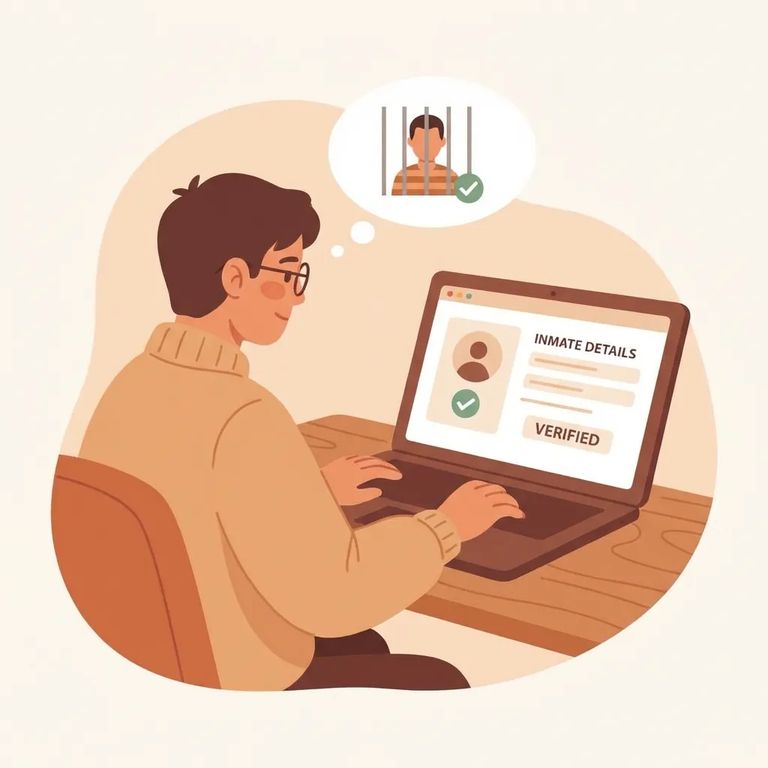
Starting July 28, 2025, the Sheriff's Department accepts inmate deposits online through Access Corrections. If you've used a different method before, switch to this new system for all future deposits.
LASD requires a valid residential address when you set up your deposit account. P.O. boxes won't work. If you normally get mail at a P.O. box, use your street address instead - otherwise your payment could get blocked for an address mismatch.
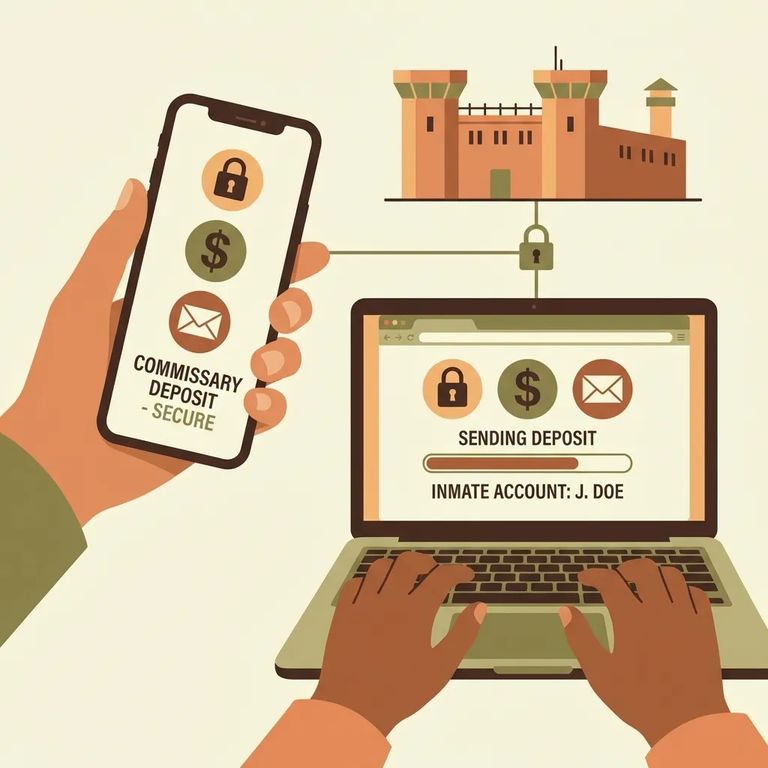
Head to www.accesscorrections.com to make an online deposit. That's the official site LASD directs families to use.
- Go to Access Corrections - Open www.accesscorrections.com and begin the online deposit process there.
- Use the LASD custody page deposit guidance - LASD provides a “Deposit Instructions” PDF linked from the custody page to walk you through the Access Corrections process.
- Follow the PDF steps to complete your deposit - Use the instructions in that PDF to finish the transaction through Access Corrections.
Questions or problems with a deposit? Contact Access Corrections directly at (866) 345-1884. That's the number LASD provides for deposit support.
Need help in Spanish? Access Corrections offers bilingual live agents for deposit assistance - call (866) 345-1884.
Find an Inmate at Twin Towers C.F., Los Angeles, CA
Search for a loved one and send messages and photos in minutes.
