
What to Do When Your Video Visit Has Technical Problems (Securus & Warren County)
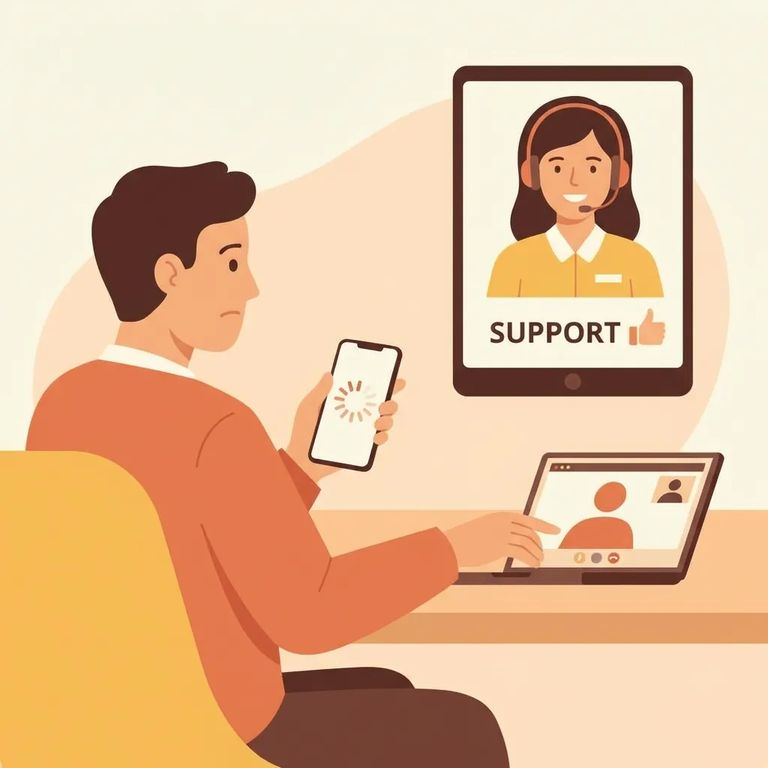
Securus Video Connect is a web-based system that lets family, friends, attorneys, and public officials schedule video sessions with someone who's incarcerated. You can join from anywhere with internet access using the Securus app or a computer or tablet. When things go wrong, though, Securus draws a clear line: they're not responsible for your internet connection quality or for setting up your computer, webcam, or other hardware.
Note: Securus says internet quality and your device/camera setup are on the user side, not the vendor side.
If the problem looks like a connection or equipment issue - choppy video, no audio, camera won't turn on, or the session keeps dropping - Securus says to contact your internet service provider (ISP) or a computer repair technician. Basically, if it's your Wi‑Fi, modem/router, device, or webcam/mic, that's on you to fix.
- ✓ Contact your internet service provider (ISP) for help if the connection is unstable or dropping
- ✓ If it appears to be a device/webcam issue, contact a qualified computer repair technician
- Confirm you’re on a stable internet connection - Video visits are fully web-based, so weak or inconsistent internet can cause freezing, lag, or disconnections.
- Restart your device and your internet equipment - Power-cycling your phone/tablet/computer (and, if needed, your modem/router) can clear temporary glitches.
- Close anything else using your camera or bandwidth - Shut down other video calls, streaming, big downloads, and extra browser tabs so the visit gets priority.
- Check your camera and microphone on your device - Make sure your webcam/mic are working and not blocked by privacy settings before the session starts.
- Use a supported setup (app or computer/tablet) and make sure it’s ready - Since Securus isn’t responsible for your hardware setup, take a minute to confirm your device and camera are set up and operating normally before your scheduled time.
Tip: Run a quick camera and mic check before your scheduled time. You don't want to spend your visit window troubleshooting.
If the problem isn't your internet or device - maybe it's scheduling confusion, facility-side availability, or a visit that won't connect even though your setup works - contact Warren County Regional Jail directly. The main phone number is (270) 843-4606, and the email is WarCoJail@ky.gov.
Warren County's visitation page has tools that help when things go sideways: registration for visits, visitation instructions, and a video tutorial. If you're stuck on setup or not sure you completed registration correctly, check those resources before spending time on calls and emails.

Once you've run through the quick checks, decide your next step based on what the failure looks like. Problem clearly on your end - unstable internet, camera/mic not working, device issues? Contact your ISP or a technician. Problem tied to scheduling or the facility? Reach out to the jail. Either way, jot down what happened - any error messages and when they appeared - so you can explain the issue quickly and skip repeating the same troubleshooting steps.
- ✓ Write down the date/time the problem happened and any error message you saw
- ✓ If it looks like your connection or equipment, contact your internet service provider (ISP) or a qualified computer repair technician
- ✓ If it looks like a facility-side or scheduling issue, contact Warren County Regional Jail at (270) 843-4606 or WarCoJail@ky.gov
Find an Inmate at Warren County Regional Jail, KY
Search for a loved one and send messages and photos in minutes.
