
Setting Up Your Securus Video Visit Account for Washington State Penitentiary (so you don’t get locked out)
If your Securus profile doesn't match your legal ID exactly, your Washington DOC video visit setup can stall fast. Here's how to get your account right the first time—especially your name and date of birth.
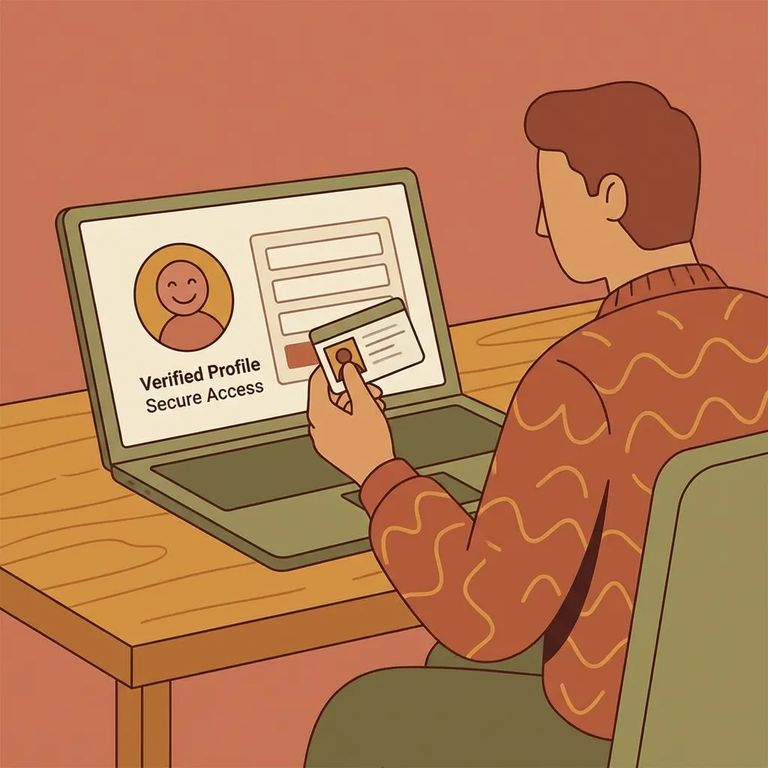
Before setting up Securus, confirm you're eligible for video visits. At Washington State Penitentiary (WSP), you must be on the incarcerated person's approved visitor list.
Note: If you have questions about the approved visitor list or anything visit-related, contact WSP visit staff and leave a voicemail with the incarcerated individual’s six-digit DOC number and a brief summary. If the facility can’t resolve it, contact the Statewide Visit Unit and include the individual’s name and DOC number in the subject line.
When creating your Securus account, enter your first name, last name, and date of birth exactly as they appear on your legal ID. This is where most people trip up. Even small differences - like using a nickname instead of your legal first name - can cause problems during setup.
Don’t add your middle name: When you enter your name in Securus for Washington DOC video visits, do not include your middle name or middle initial.
Your Securus profile acts as a verification checkpoint. If your first name, last name, and date of birth don't match your legal ID exactly - or if you add a middle name or initial - verification can fail. That means you won't be able to schedule visits when you need to.
- Check what you entered - Compare your Securus profile to your legal ID and confirm whether the mistake is in your first name, last name, or date of birth.
- Gather the basics before you reach out - Have your correct legal name and date of birth ready, plus the incarcerated individual’s DOC number.
- Contact Securus customer assistance to update your profile - If the wrong name or date of birth is already saved on your profile, you’ll need Securus customer assistance to help update it.
Heads up: Name/DOB profile corrections are handled through Securus customer assistance. If the issue is about your visitor-list status or a facility-side visiting question, start with WSP visit staff (leave the DOC number in your voicemail) and then the Statewide Visit Unit if it can’t be resolved.
Final Checklist
- ✓ Confirm you’re on the incarcerated individual’s approved visitor list
- ✓ Have the incarcerated individual’s DOC number ready
- ✓ Double-check your Securus first name, last name, and date of birth match your legal ID exactly
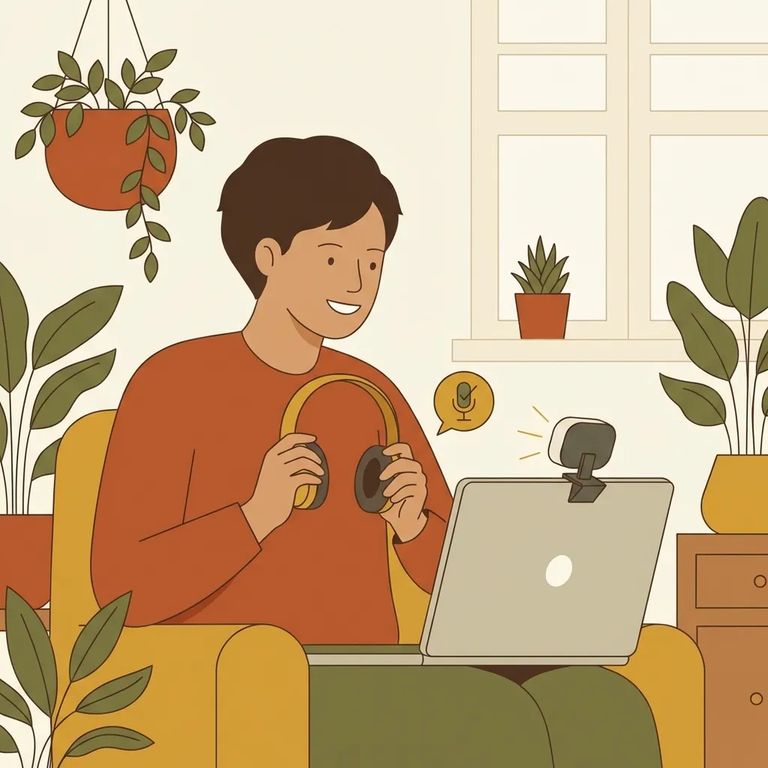
Video visits require solid basics on your end: internet access and a computer with speakers, a microphone, and a webcam. If any piece is missing or not working, the visit can fall apart - even with a perfectly set up account.
Washington DOC video visits are scheduled through Securus by the approved visitor. Plan ahead: you need to book at least 24 hours in advance, visits run in 30-minute increments, and slots fill up first-come, first-served. Available hours vary by facility, so check Washington State Penitentiary's visitor guidelines for WSP video visiting hours before you try to book.
If something goes wrong: For Securus profile problems (like an incorrect name or date of birth), contact Securus customer assistance. For visiting questions tied to WSP or your eligibility, contact WSP visit staff first - leave the incarcerated individual’s six-digit DOC number in your voicemail - or follow up with the Statewide Visit Unit and include the individual’s name and DOC number in the subject line.
Find an Inmate at Washington State Penitentiary
Search for a loved one and send messages and photos in minutes.
