
How to verify online information about Winston Choctaw Facility (using ms.gov and linked sites)
Seeing conflicting details about Winston Choctaw Facility online? You're not alone. Here's how to use ms.gov and the sites it links to — and how to tell what's reliable from what might be outdated or wrong.
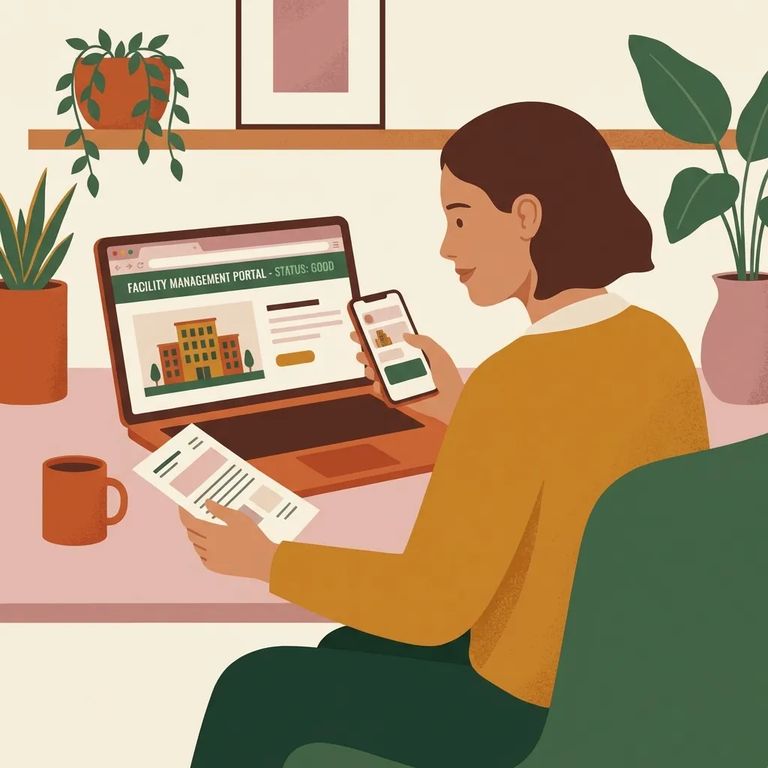
Ms.gov is a helpful starting point, but clicking a link there doesn't guarantee accuracy. A link on ms.gov isn't an endorsement of what that outside page says, and the State isn't responsible for content on external websites. Treat anything you find on a linked site as something to double-check before you rely on it - especially if it affects a visit, money, or time-sensitive decisions.
When researching Winston Choctaw Facility, you'll likely bounce between ms.gov and other websites. Here's what matters: a link on ms.gov isn't an endorsement of the organization, its services, or the views on that page. Ms.gov doesn't control or take responsibility for what an external site publishes. Even when a site gets linked because it fits the portal's purpose, you're still expected to independently review what you find before acting on it.
Note: Ms.gov can remove or replace external links at any time, without notice. If a page you used before suddenly “disappears,” it doesn’t automatically mean the underlying information was correct - or incorrect.
Quick Checklist
- ✓ Check whether the page you’re reading is on ms.gov or an external site (a link on ms.gov is not an endorsement).
- ✓ Treat anything on a linked external site as something you still need to verify; ms.gov isn’t responsible for external content.
- ✓ Do an independent review before you rely on it - especially for anything time-sensitive.
- ✓ If you spot a problem on a linked external site, contact the organization responsible for that site.
- ✓ Save the page details (URL, date you saw it, and a screenshot) so you can point to the exact information in question.
- Confirm it’s an external site - If you clicked out from ms.gov, remember ms.gov isn’t responsible for what that outside page says, so the fix usually won’t come from ms.gov.
- Identify who owns the page - Look for the organization responsible for the linked website (the agency, company, or group running it).
- Send a clear correction request - Include the page URL, the date you found the information, and a short description of what seems wrong.
- Attach proof - Add a screenshot (or copy/paste the exact wording) so they can find the same content quickly.
Ms.gov can remove or replace external links at any time without notice. A resource you relied on last month might not be there today. Links shift as the portal changes - ms.gov decides, at its sole discretion, whether an external site fits the portal's purpose. The key thing: changing a link on ms.gov doesn't correct the content on the external site itself. If the outside page is wrong, only the organization responsible for that page can fix it.
Social media can be useful for updates, but verifying details there isn't always easy. The Mississippi Department of Corrections Facebook page, for example, prompts you to log in before you can view or interact with content - making it harder to confirm what was posted and when. If someone points to a social media post as "proof" of a rule or schedule, treat it like any other external source. A link or mention doesn't equal an endorsement. Verify the details before you rely on them.
If you use a screen reader or other assistive technology, ms.gov says its pages have been tested with popular screen readers to support accessibility. But once you click out to a linked website, that site may not be accessible. If you hit a barrier - unlabeled buttons, unreadable PDFs, forms you can't complete - ms.gov's guidance is to contact the organization responsible for that linked site.
- Write down what isn’t working - Note the specific issue (for example, a form field your screen reader can’t identify).
- Save the exact page details - Keep the URL and take a screenshot if you can, so you’re reporting the right page.
- Contact the site owner - Reach out to the organization responsible for the linked site and ask them to fix the accessibility problem or provide the information in an accessible format.
Find an Inmate at Winston Choctaw Facility, MS
Search for a loved one and send messages and photos in minutes.
