
What to Know Before Clicking Links on Mississippi Corrections Websites (Advice for Winston Choctaw Families)
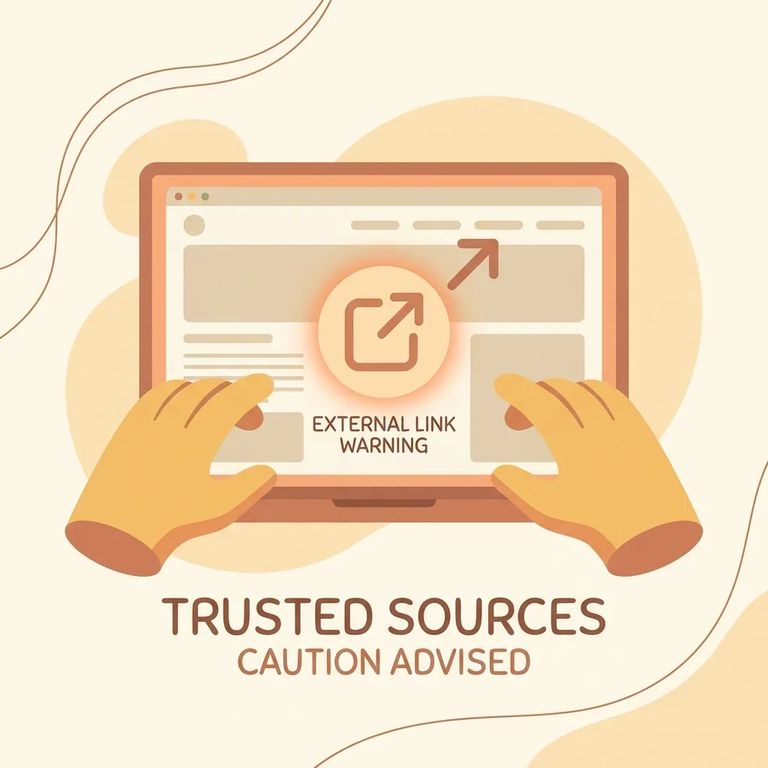
When you click a link from a Winston Choctaw page on ms.gov, you might be leaving the state website entirely. That outside site isn't controlled by the state. Treat the information there as coming from whoever runs it - and double-check anything that affects money, visits, mail, or a deadline before you act on it.
Ms.gov links to many websites it doesn't control, maintain, or regulate. The state isn't responsible for what those outside sites publish. If a linked page has outdated details or confusing instructions, that's the whole point of this policy: the link doesn't make the state the author or fact-checker.
Remember: A link on ms.gov is a pointer, not a stamp of approval. The linked organization owns the content and the responsibility for it.
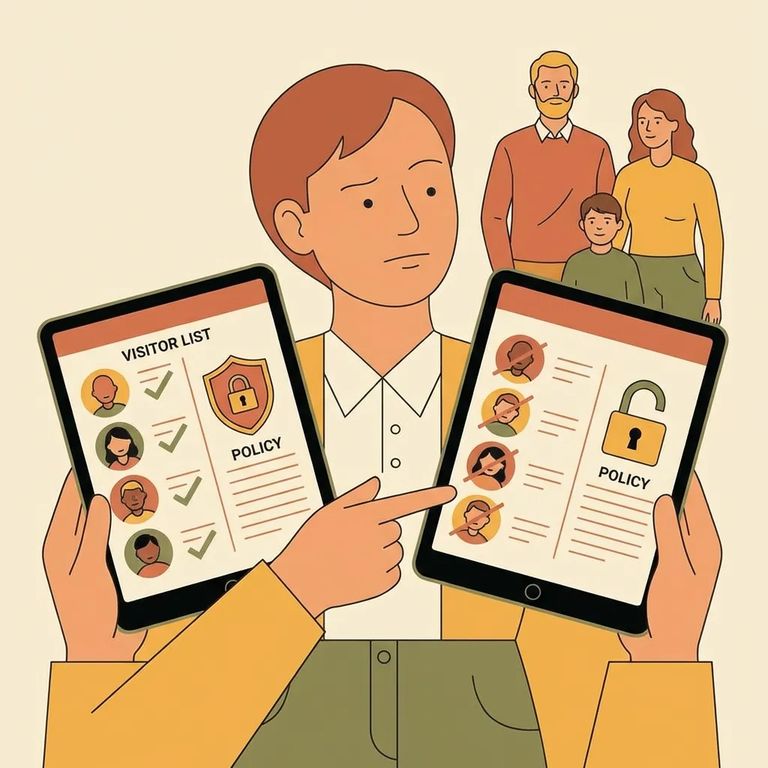
Ms.gov is clear: using information from an external site is voluntary, and you should verify it independently before relying on it. For families helping someone at Winston Choctaw, that extra step can save you from acting on a wrong deadline, paying for something unnecessary, or following outdated instructions.
- Confirm who runs the site - look for an “About,” footer, or contact section so you know which organization is responsible for the information.
- Check for dates and updates - find “last updated” notes, publication dates, or recent announcements; undated instructions are easy to misapply.
- Cross-check key details - verify the specific facts you plan to act on (requirements, fees, deadlines, processes) against other reputable sources before treating them as true.
- Verify contact information before you call or pay - make sure phone numbers, emails, and mailing addresses match what the organization publicly lists, not just what appears in a random page or pop-up.
- Look for disclosures and fine print - scan for terms, refund rules, and statements about what the service does (and does not) provide, especially if money is involved.
Be careful with time-sensitive or high-stakes info: Don’t act on legal, medical, or deadline-driven instructions from a linked site until you’ve double-checked the details.
External sites sometimes mention paid products or services by name. Ms.gov's policy is clear: those commercial references don't mean the state endorses, recommends, or favors them. If you see a company offering a "fast" option, a subscription, or an add-on after clicking through from a Winston Choctaw page, read it as advertising - not as something the state is telling you to buy.
Tip: If a linked page quickly steers you toward payment, pause and verify what you’re purchasing, who you’re purchasing from, and whether it’s actually required.
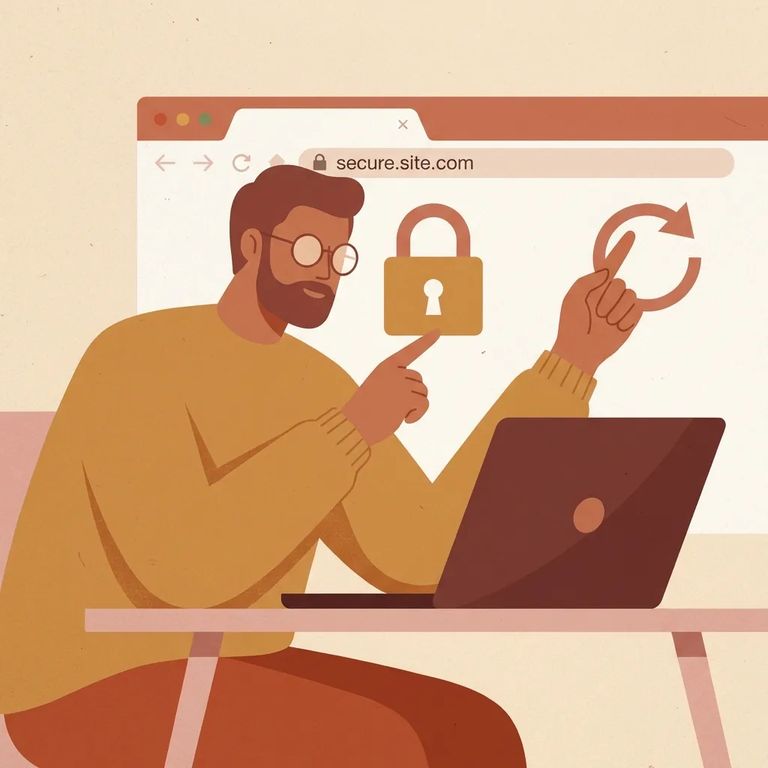
Links change. Ms.gov can remove or replace links at any time, without notice. If a page you bookmarked stops working - or the information looks different than before - assume something changed. Re-check the date, the source, and the contact details before relying on it.
Run into problems on a linked site - broken pages, missing info, or accuracy concerns? Contact the organization that runs that external site. The fastest path to a fix is usually the linked site's owner, not the ms.gov page that pointed you there.
- ✓ Save the exact page details (copy the page title and URL) and write down the date/time you saw the issue
- ✓ Take screenshots of the problem content (especially prices, instructions, or “requirements”)
- ✓ Find the linked site’s official contact method (contact page, support email, or phone)
- ✓ Report the issue directly to the organization responsible for the linked site and include what you documented
- ✓ Re-check the ms.gov page later in case the external link was replaced or removed without notice
If the content could cause harm: Start by contacting the linked organization right away and keep a record of what you reported and when.
Find an Inmate at Winston Choctaw Facility, MS
Search for a loved one and send messages and photos in minutes.
