
How to Send Money to Yavapai County Jail (AZ)
Want to fund electronic messages for someone at Yavapai County Jail? You'll need to set up a specific online account, and every message gets reviewed before delivery.
• 2 min read Based on general AZ policies

The jail's eMessaging service lets you pay to send messages and attachments electronically. You'll need a Securus Online account to use it. No login, no access.
Note: The facility reviews all messages, photos, and VideoGrams before delivery. If something gets rejected, you'll receive a notice, but the stamps you used won't be refunded.
Steps
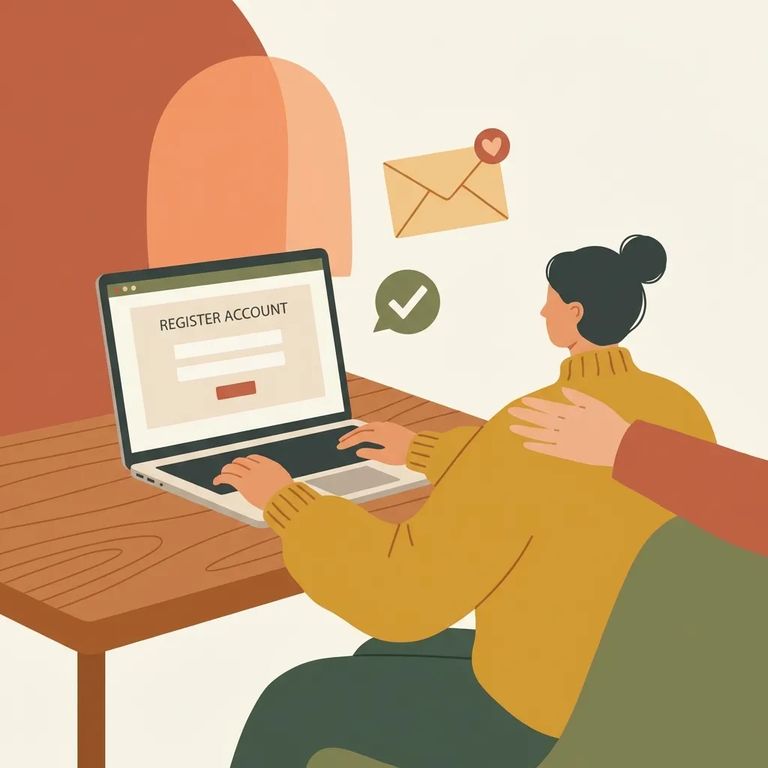
- ✓ Create a Securus Online account (if you don’t already have one) and make sure you are logged in before you try to use eMessaging.
- Write and review what you’re sending. Messages and attachments go through facility review, so keep content and images clean and straightforward.
- Send only what you can afford to lose. If a message, photo, or VideoGram is rejected, you will receive a rejection notice, and the stamps used for that rejected item are not refunded.
Verify
- ✓ Confirm you can access eMessaging with your Securus Online login (account created, correct credentials, successfully signed in).
- ✓ Double-check you’re logged in before attempting to send anything through eMessaging.
- ✓ Ask what content is most commonly rejected (messages, photos, and VideoGrams are all reviewed).
- ✓ Confirm how you’ll be notified of a rejection and where to find the reason for the rejection.
- ✓ Verify whether there is any appeal or dispute process for rejections, since stamps are not refunded when items are rejected.
Find an Inmate at Yavapai County Jail
Search for a loved one and send messages and photos in minutes.
Free to search · Used by families nationwide
