
Sending Email Messages Through InmateSales: What Works and What Doesn't at Yuma County
Trying to message someone at Yuma County Detention Center? Here's the key thing: email goes through tablets, and attachments won't show up on their end.
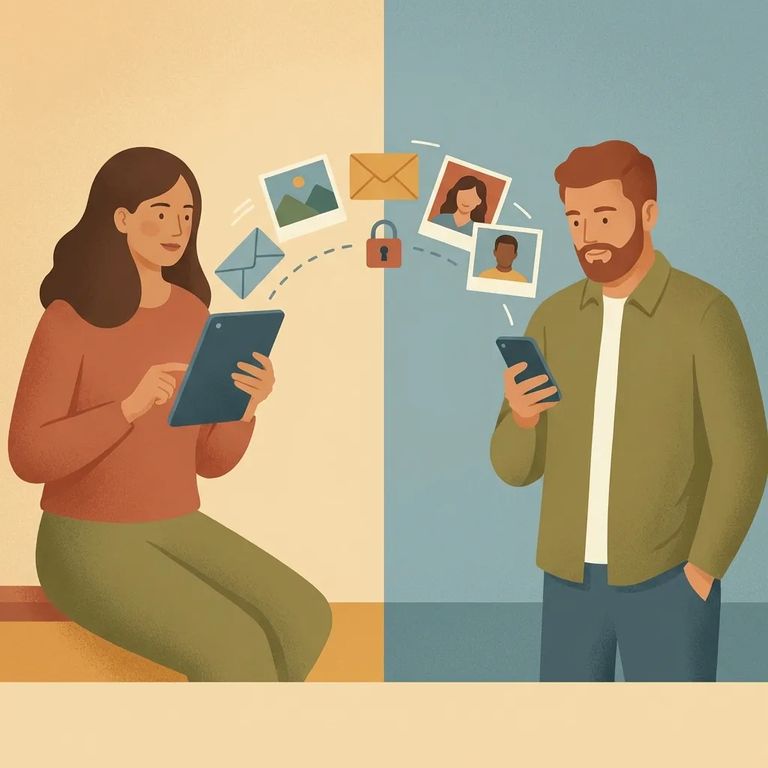
Yes. People at Yuma County Detention Center can receive email-style messages on their tablets. Combined Public Communications (CPC) runs the service - they also handle phone calls and other tablet features. You send messages through InmateSales, and the inmate reads them on their tablet.
To send a message, create an account at www.inmatesales.com. If you run into trouble or prefer help setting things up, call InmateSales customer service at 1-702-829-3001.
Support hours: Call 1-702-829-3001 Monday–Friday 8 AM–12 AM (ET) or Saturday 10 AM–9 PM (ET).
Here's what catches people off guard: attachments don't work. If you send a file or extra images with your message, the inmate won't be able to open them on the tablet.
Want to share photos or paper documents? You'll need to use Yuma County's mail process instead. Incoming mail gets scanned by TextBehind, then released to the inmate's tablet. After scanning, TextBehind destroys the original physical mail and pictures. Emailing an attachment won't work as a workaround - the attachment won't display, and the only way to share photos is through that scanned-mail process.

Vendor Support Contact
- ✓ Website: www.inmatesales.com
- ✓ Phone: 1-702-829-3001
- ✓ Support hours: Monday–Friday 8 AM–12 AM (ET); Saturday 10 AM–9 PM (ET)
Having trouble creating your account, logging in, or getting a message through? Call InmateSales. They can also answer questions about what the inmate actually sees on their tablet - especially useful if you sent an attachment and your person says it never showed up.
Find an Inmate at Yuma County Adult Detention Center
Search for a loved one and send messages and photos in minutes.
