
How to Sign Up for Comal County Email Alerts (MyAccount & Notify Me)
Want Comal County updates without refreshing the website every day? Set up a MyAccount and subscribe through Notify Me to get email alerts for the stuff you actually care about.
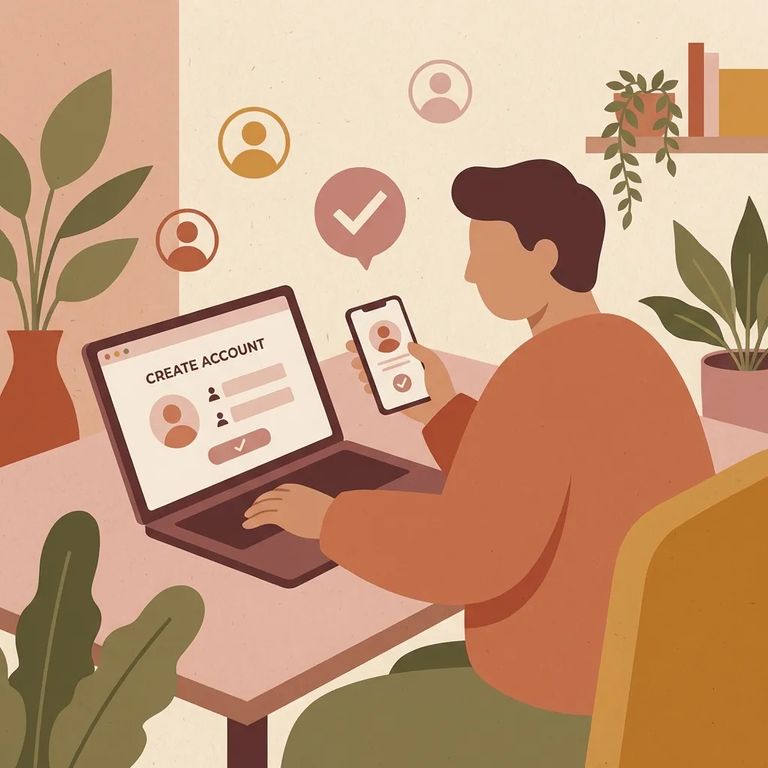
Comal County's
“MyAccount” is Comal County’s website feature for personalization. When you create a MyAccount, you can customize your viewing experience so the site is more focused on the information you care about, instead of making you hunt through pages every time.
The county's Civic Alerts page recommends using both tools together: create a MyAccount to personalize your experience, then use Notify Me for the actual email updates. If staying connected is the goal, that's the setup the site is built around.
- Open the MyAccount sign-in/registration area - start from the county’s MyAccount option so you’re in the right place to create a profile.
- Register (or sign in if you already have one) - once you’re signed in, your account can be used to personalize your viewing experience.
- Use MyAccount as your base for notifications - Comal County’s Civic Alerts messaging points you to MyAccount as part of getting customized notifications and updates through the site.
Look for
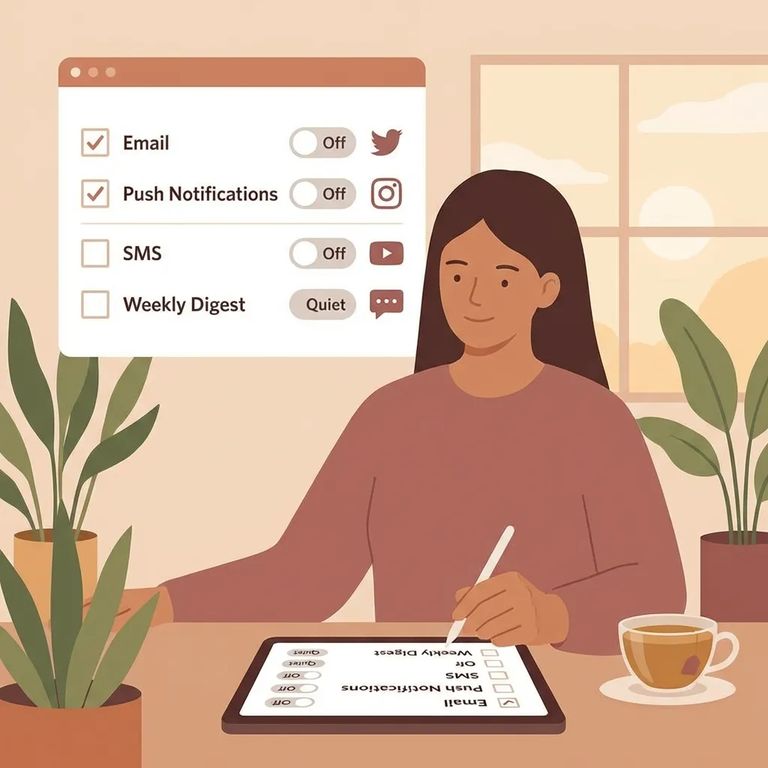
Once you're signed in, head to Notify Me to pick your email lists. Subscribe to whatever matches your needs, and the county sends updates straight to your inbox. The Civic Alerts page frames this as the combo approach - MyAccount handles personalization, Notify Me handles notifications.
- Sign in to MyAccount - this gives you a place to manage your preferences.
- Find the Notify Me (Civic Alerts) subscription area - this is where the county lists the available email categories.
- Select the lists you want - you can subscribe to an unlimited number of email lists, so choose every category that’s relevant to you.
- Save/confirm your choices - once your selections are saved, you’ll receive email updates for the information you requested.
Tip: Not seeing emails after subscribing? Check whether your email provider needs you to confirm the subscription. And don't worry about overcommitting - Notify Me lets you subscribe to unlimited lists, so add more anytime.
Civic Alerts is where Comal County posts news and encourages residents to stay connected through MyAccount and Notify Me. Pick the categories that match what you want to track, subscribe, and let the updates come to you instead of hunting them down.
- ✓ Civic Alerts / county updates lists that match your needs
- ✓ Community news and happenings lists
- ✓ Agenda-related lists (if available in the list options)
- ✓ Burn ban status updates (if available in the list options)
Troubles Privacy
- ✓ Check your spam/junk folder for confirmation or alert emails
- ✓ Make sure you’re signed in to the correct MyAccount (the email you registered with matters)
- ✓ Sign back in to MyAccount and confirm your notification selections are still set the way you want
Privacy note: Creating a MyAccount means using the county's sign-in system. Read what you're agreeing to during sign-up before you hit submit.
Find an Inmate at Comal County
Search for a loved one and send messages and photos in minutes.
