
Using your phone or computer for remote visits: Lee County’s GTL WebRTC and what device/browser to use
Video visit won't start? Camera or mic not connecting? The fix is usually simple: use the right browser or app for Lee County's GTL system.
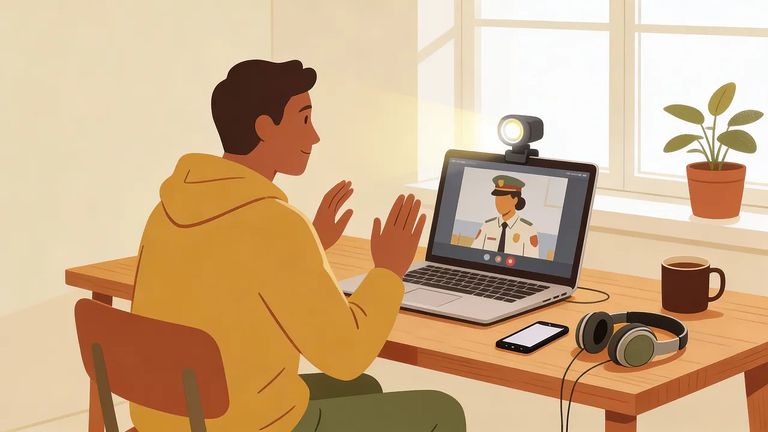
Lee County remote visits run through GTL's visitor portal. The system now uses WebRTC - which matters because your device and browser choice determines whether everything works smoothly. This is especially true for iPhones and iPads. If you remember the old days of special plugins and endless "nothing loads" errors, this update cuts through that. Video visits now run directly in your browser (and on modern phones), as long as you're using the right setup.
Note: On iOS (iPhone/iPad), GTL requires Safari through Lee County's GTL page. Your device and browser choice can mean the difference between a visit that starts and one that never connects.
- Open Safari on your iPhone or iPad - GTL’s guidance for iOS is Safari (not a different browser).
- Go to the Lee County GTL page - use: https://leecountyfl.gtlvisitme.com/app.
- Sign in and schedule/manage your visit - handle your visit from that same page.
- Start your internet video visit in Safari - conduct the visit there when it’s time.
3
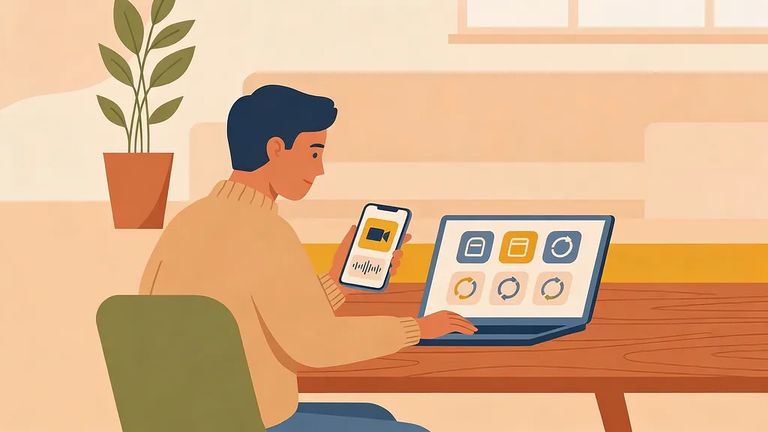
- ✓ Update GTL – Schedule Visits to the latest version.
- ✓ Update GTL – Internet Visits to the latest version.
- ✓ Turn auto-update on (enabled), so you don’t show up for a visit with an outdated app.
- Log into your visitor account on your computer - do this at least 10 minutes before your visit.
- Open “Internet Visit Tester” - you’ll find it on the menu bar after you sign in.
- Follow the prompts to download/run GTL VisBridge (if needed) - the tester will walk you through what your desktop requires.
Plan ahead: Android visits require updated GTL apps. Desktop visits may need the Internet Visit Tester and VisBridge installed. Test everything early - don't lose visit time to last-minute setup problems.
4
- ✓ Use headphones during the visit to cut background noise and improve audio quality.
- ✓ Test your camera and microphone before your scheduled time.
- ✓ Use a stable connection (reliable Wi‑Fi or strong cellular) so video doesn’t freeze or drop.
- Sign into your visitor account on desktop - give yourself at least 10 minutes before the visit.
- Run “Internet Visit Tester” - use it to check your setup.
- Install VisBridge if prompted - follow the on-screen instructions to download and run it.
Still stuck and it's not a device or app issue? Lee County Corrections points visitors to the site search for answers, the Contact tab for email questions, or 239-477-1000 for phone support.
Find an Inmate at Lee County-Tupelo Jail, MS
Search for a loved one and send messages and photos in minutes.
