
Your First Video Visit with Someone at SCI Somerset: A Step‑by‑Step Setup Guide
Your first video visit goes much smoother when you handle account setup and Zoom prep ahead of time. Follow these steps to get registered in Pennsylvania DOC's system, schedule your visit, and join without last-minute surprises.
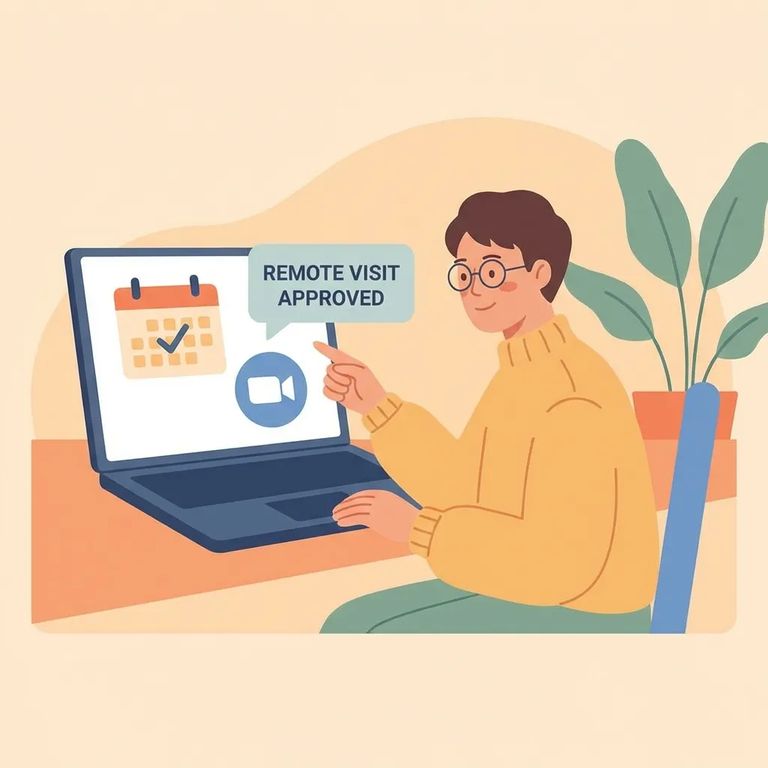
Video visits with someone at SCI Somerset go through the Pennsylvania DOC Inmate Visitation System (IVS). IVS uses Keystone Login to verify your identity when you register and sign in. Having a login isn't enough - you also need approval. Before you can schedule anything, you must have an IVS account and be on the incarcerated person's authorized visitor list. When you register, enter your information exactly as it appears on official documents. IVS matches what you type (your name and other details) against that authorized list.
Note: Keep one IVS account per visitor. If you can’t get in, use the password reset option - creating multiple accounts can affect approval and your ability to schedule.
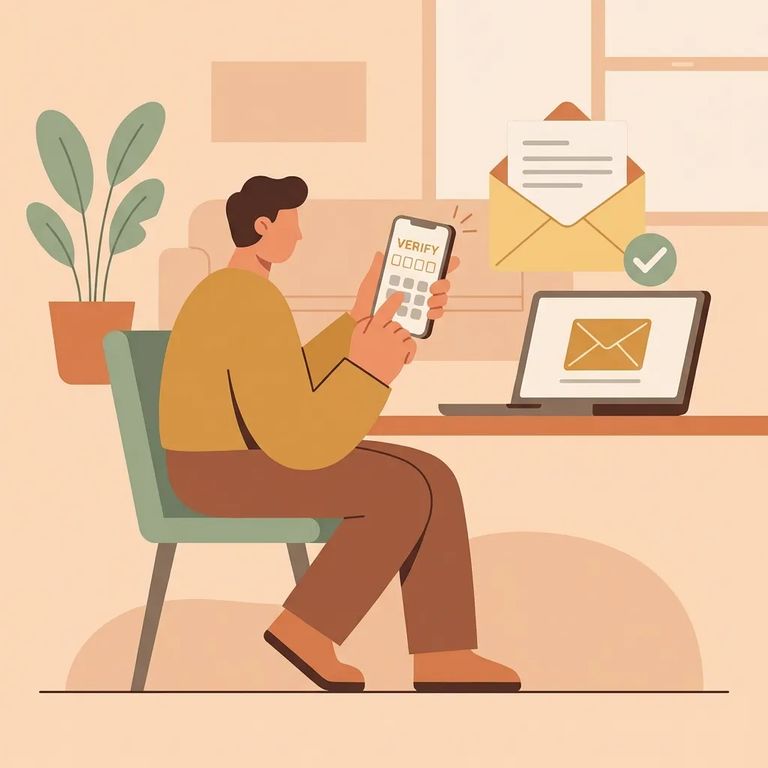
- Start your IVS registration and create a Keystone Login - IVS uses Keystone Login for identity verification, so you’ll be guided into setting that up as part of getting access.
- Enter your information exactly and completely - your registration details need to be accurate because they’re used to confirm you match the incarcerated person’s authorized visitor list.
- Sign in and confirm you’re using your single account - if you’ve registered before, don’t open a new account.
- Reset your password if you’re locked out - use the password reset process instead of creating a duplicate account, since multiple accounts can interfere with approval and scheduling.
Once your account is set up, you can schedule your visit in IVS - but plan ahead. All visits (in-person and video) must be scheduled at least 3 days in advance and no more than 60 days out. If you're trying to book too soon or too far out, pick a different date.
Keep an eye on your email after registering and after scheduling. IVS sends automatic notifications when your account status or scheduled visit changes. Not seeing anything? Check your spam folder - those messages often contain the details you need to join.
Pennsylvania DOC video visits run through Zoom. So your setup is really two parts: getting IVS squared away, and making sure your device can run Zoom without fighting you over permissions.
- ✓ Download and install the Zoom Cloud Meetings app (or Zoom on a desktop) on the device you plan to use.
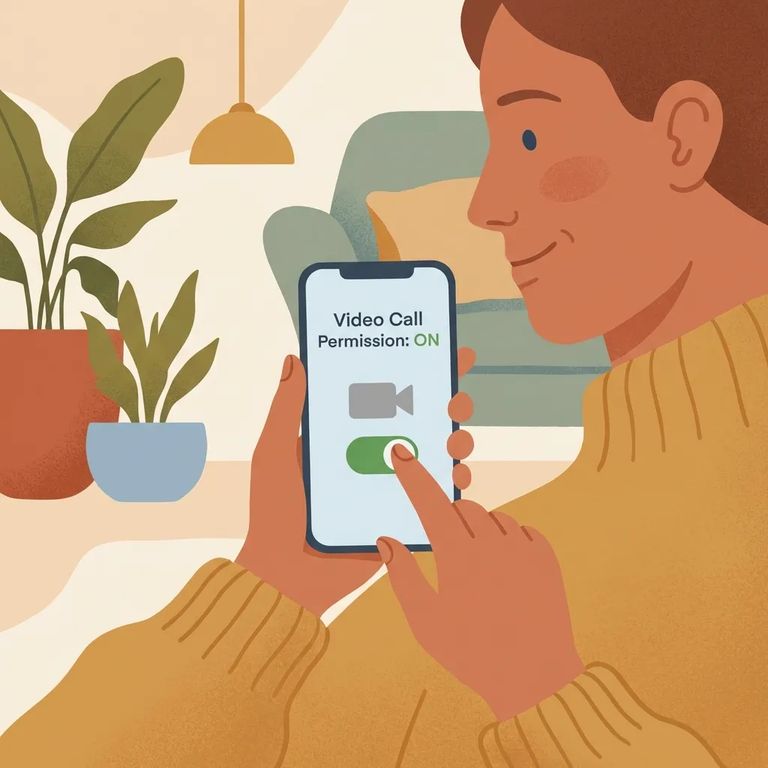
- ✓ Allow Zoom to use your camera and microphone when prompted.
- ✓ Locate your visit’s Video Call URL (from your IVS account under upcoming visits or in the automated confirmation email).
- ✓ If you’re joining by meeting details instead of the link, have the Meeting ID and Password ready (they’re tied to the specific visit).
- ✓ Keep an eye on IVS emails for updates or changes to your scheduled visit.
Tip: Turn on camera and microphone permissions before your visit starts. If Zoom can’t access them, you can lose valuable time troubleshooting once the session opens.
Don't click in too early. You can join up to 5 minutes before the scheduled start time - try earlier than that and you may get blocked. Set an alarm for a few minutes before so you're ready to enter right when the window opens.
Each PA DOC video visit runs 45 minutes. Get settled before you join - find a quiet room, charge your device, and check your internet connection. When time's up, wrap up quickly so you're not scrambling at the end.
Note: Join within the 5‑minute pre‑start window and be ready to end when your 45 minutes are up. If you’re stuck waiting or something changes, check your IVS account and the automated emails tied to your scheduled visit.
Assume the call is being watched and saved. Video visits are monitored and recorded (audio and video) for non-attorney visits. The exception: visits with legal counsel are not audio/video recorded.
Privacy reminder: Keep sensitive personal, financial, or medical details off a recorded visit. For privileged communication, use an attorney visit.
Troubleshooting
- ✓ Re-check your automated IVS emails for the Video Call URL or any visit updates.
- ✓ In IVS, look under upcoming visits for the join information.
- ✓ Close and reopen Zoom, or restart your device.
- ✓ Confirm Zoom has permission to use your camera and microphone.
- ✓ If Zoom is acting up, uninstall and reinstall the Zoom app.
No confirmation email? Check what IVS shows in your account - the system sends automatic notifications when account or visit statuses change. If you're having trouble signing in, use the password reset option instead of creating a second account. Duplicate accounts can cause approval and scheduling problems.
Find an Inmate at Sci Somerset Pennsylvania
Search for a loved one and send messages and photos in minutes.
