
How Statesville's Mail System Works: What Gets Scanned, Banned Items, and How to File a Mail Stop
Mail rules can get confusing fast—especially when you're trying to reach a loved one. Here's how Statesville handles incoming mail, what won't be accepted, and how to request a Mail Stop or Phone Restriction.

Statesville's mailroom scans all non-privileged mail in color - front and back. Letters, greeting cards, photographs: everything gets captured. Those scans become PDF images uploaded to the individual's Bulletin Board, where they can download and view them on their tablet.
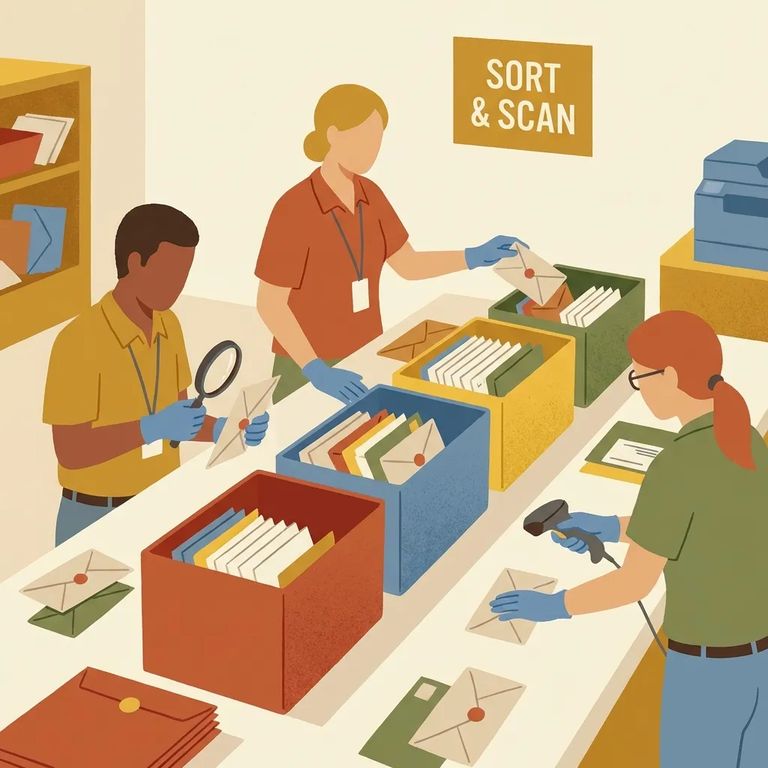
Publications skip the scanning process entirely. Magazines and similar items won't show up as PDFs on the tablet Bulletin Board - they're handled differently from regular mail.
Hardback books aren't allowed. Send one and it won't make it through.
- ✓ Envelopes padded with gray diamond dust
- ✓ Corrugated cardboard boxes mailed from family and friends
Since non-privileged mail arrives as scanned PDFs on a tablet, keep things simple and flat. Straightforward letters, cards, and photos scan best. Avoid prohibited packaging - especially padded envelopes with gray diamond dust inside. And don't send corrugated cardboard boxes from family or friends. Those are prohibited and will likely be rejected outright.
- Complete the Mail Stop and Phone Restriction Request form and mail it in - send the completed form to the facility Warden at the facility address shown on the form.
Need help with the form? Reach the Illinois Department of Corrections Victim Services Unit at 1301 Concordia Court, P.O. Box 19277, Springfield, IL 62794-9277. You can also call toll-free: 877-776-0755.
Find an Inmate at Statesville Correctional Center, IL
Search for a loved one and send messages and photos in minutes.
